
Sinqlo Connectors: Connect Your Favorite Tools and Automate Logo Delivery

sinqlo
sinqlo
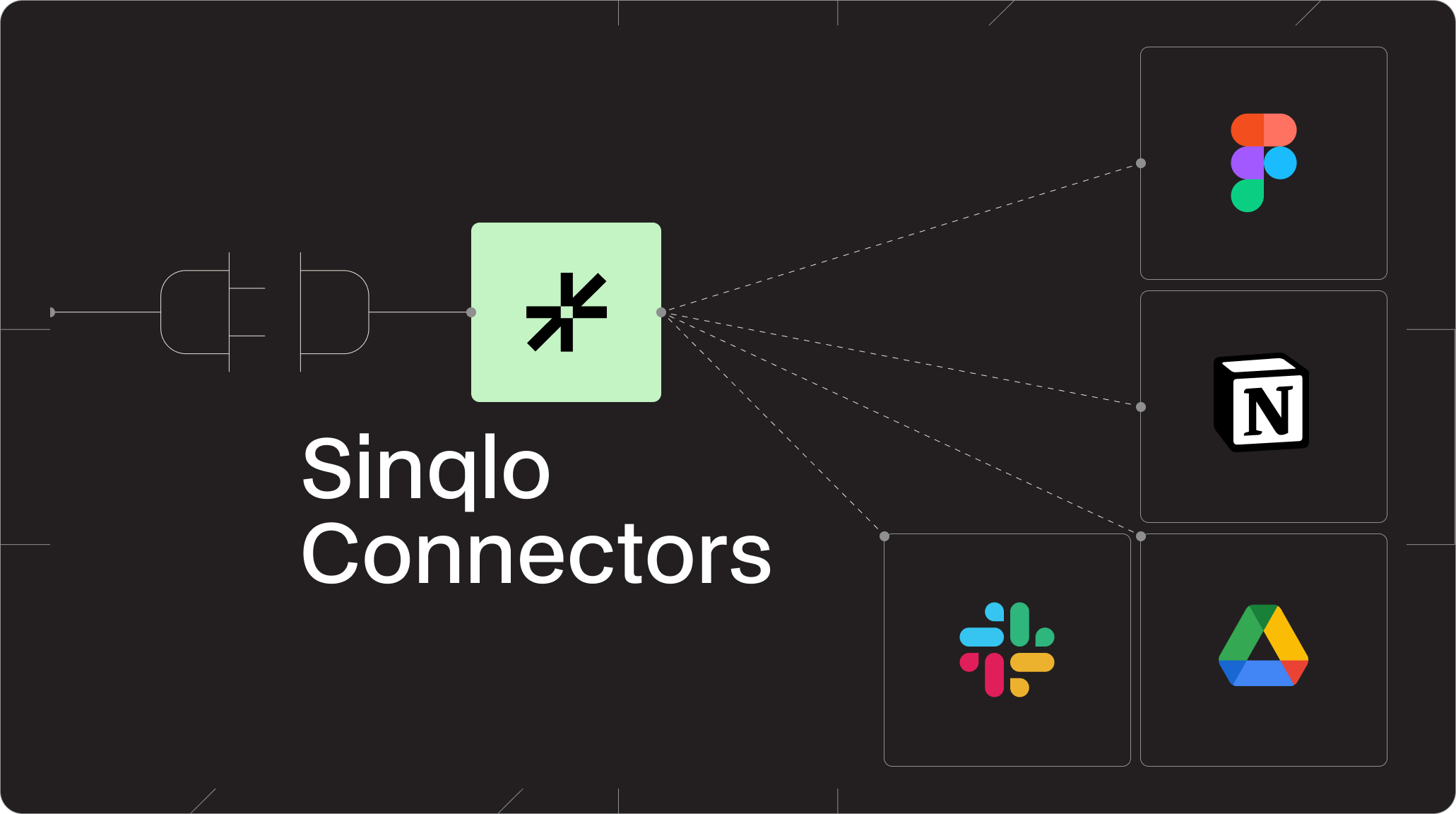
Managing logos shouldn’t feel like managing files. With the introduction of Sinqlo Connectors, you can now integrate Sinqlo with the tools you already use and turn your brand assets into a fully connected system.
Sinqlo Connectors allow you to link your favorite tools directly to your Sinqlo workspace. This means your logos, variations, and brand assets can automatically sync, be accessed, and be delivered across platforms like:
Instead of managing files in isolation, you create a connected workflow where everything stays up to date.
If you’re a designer, studio, or branding team, your workflow likely looks like this: Design in Figma, document in Notion, communicate in Slack, and deliver via Drive or WeTransfer. Until now, these steps were disconnected.
Sinqlo changes that. With Connectors, you eliminate repetitive tasks and reduce friction across your entire workflow.
Your brand assets become dynamic, not static files.
With the Sinqlo Figma Plugin, you can search and filter your logo library and insert vector assets directly into your canvas. No downloads. No re-uploads. No confusion.
Your brand guidelines and assets should live together. With the Notion integration, you can sync your logo catalog into your workspace and track activity (downloads, updates, variations) in real-time. Instead of static PDFs, you get a living brand system.
Sinqlo connects directly with Slack so your team is always informed. You’ll get notifications when a logo is downloaded, a new variation is uploaded, or a client interacts with your assets.
Still exporting ZIP files manually? With Google Drive integration, you can automatically export logo packages and organize assets into structured folders for your clients. It’s faster, cleaner, and far more professional.
Sinqlo is no longer just a place to store logos. With Connectors, it becomes your brand infrastructure layer. Everything connects, everything updates, and everything stays consistent.
This is just the beginning. We’re working on more integrations, advanced automations, and deeper control over asset distribution. Our goal is simple: Make Sinqlo the central system for every brand.

