How to Create a DESIGN.md File From a Client's Brand Kit
To create a DESIGN.md file, write one Markdown file that tells an AI agent what a brand is: its colors with roles, its fonts, its logo variations, its layout values, and the rules the agent must follow. Put it in the project root or paste it into the chat, and tell the agent to treat it as the source of truth. The fastest way to write one for a client is to start from their brand kit, because every value you need is already there.
Key takeaways
- A DESIGN.md has five parts that matter: colors with roles, typography, logos, layout values, and rules. Everything else is optional.
- Build it from the brand kit, not from memory. Hex codes typed from memory are where agent drafts go off-brand.
- Give each color a job (“primary buttons”, “highlights only”). A list of hex codes without roles gets used at random.
- In Claude Code, add
@DESIGN.mdto your CLAUDE.md so every session loads it without a prompt. - Sinqlo writes a DESIGN.md for every brand kit automatically, so every client gets one without anyone typing it.
How to create a DESIGN.md file, step by step
Here’s the process we use at iframe design studio. It assumes the brand already exists, since a DESIGN.md describes a finished identity.
1. Start from the brand kit
Open the client’s brand kit: the logo variations, the colors, the fonts. If the kit lives in a ZIP file from 2023, check it against the latest logo first. An agent will follow an outdated file with total confidence.
Packaging a kit by hand takes us 30 to 45 minutes per client project, and that’s before anyone writes a DESIGN.md. If the kit is already a Brand Link, skip ahead.
2. Write the colors as a table with roles
This is the section agents lean on most. Give every color a role, a hex value, and one line on where it goes. The Lukumeli example below shows the format.
3. Add typography
Font family, weight, and where each one is used (headlines, body, captions). If the brand uses a licensed font, say so and name a fallback. Agents can’t install your client’s typeface, and without a named fallback they’ll pick one for you.
4. List the logo variations by name
Name every variation the way a client would ask for it: “Horizontal, White”, “Symbol, One color”. Across the 537 logos designers have uploaded to Sinqlo, the AI Assistant generated about 5.6 variations per logo, so a typical kit lists five or six. Add a link to each file if the agent should place the real logo, and a line on which variation goes on dark backgrounds.
5. Add layout values
Spacing unit, max content width, button and card corner radius. These are the values agents invent when nobody gives them, and the reason two AI-built screens rarely look like the same brand.
6. Write the rules
Short, testable, and specific to this client. “Never put the logo on the orange” works. “Keep it premium” doesn’t, because the agent can’t check it.
A real DESIGN.md example: Lukumeli
Lukumeli is one of our studio’s clients, a lukumades, coffee and gelato shop. Its kit is built on two colors: an electric blue and a pale pink, used against each other.
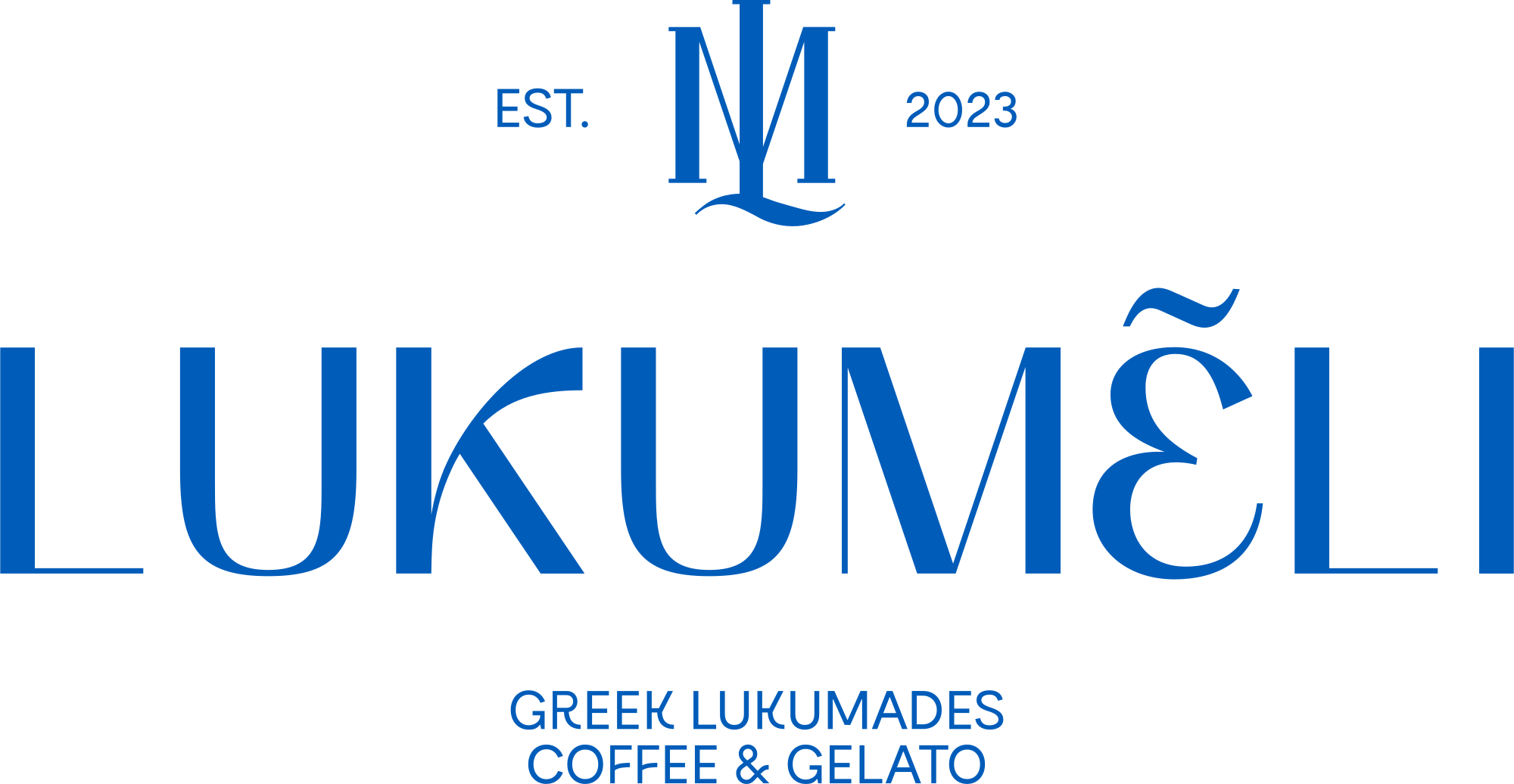
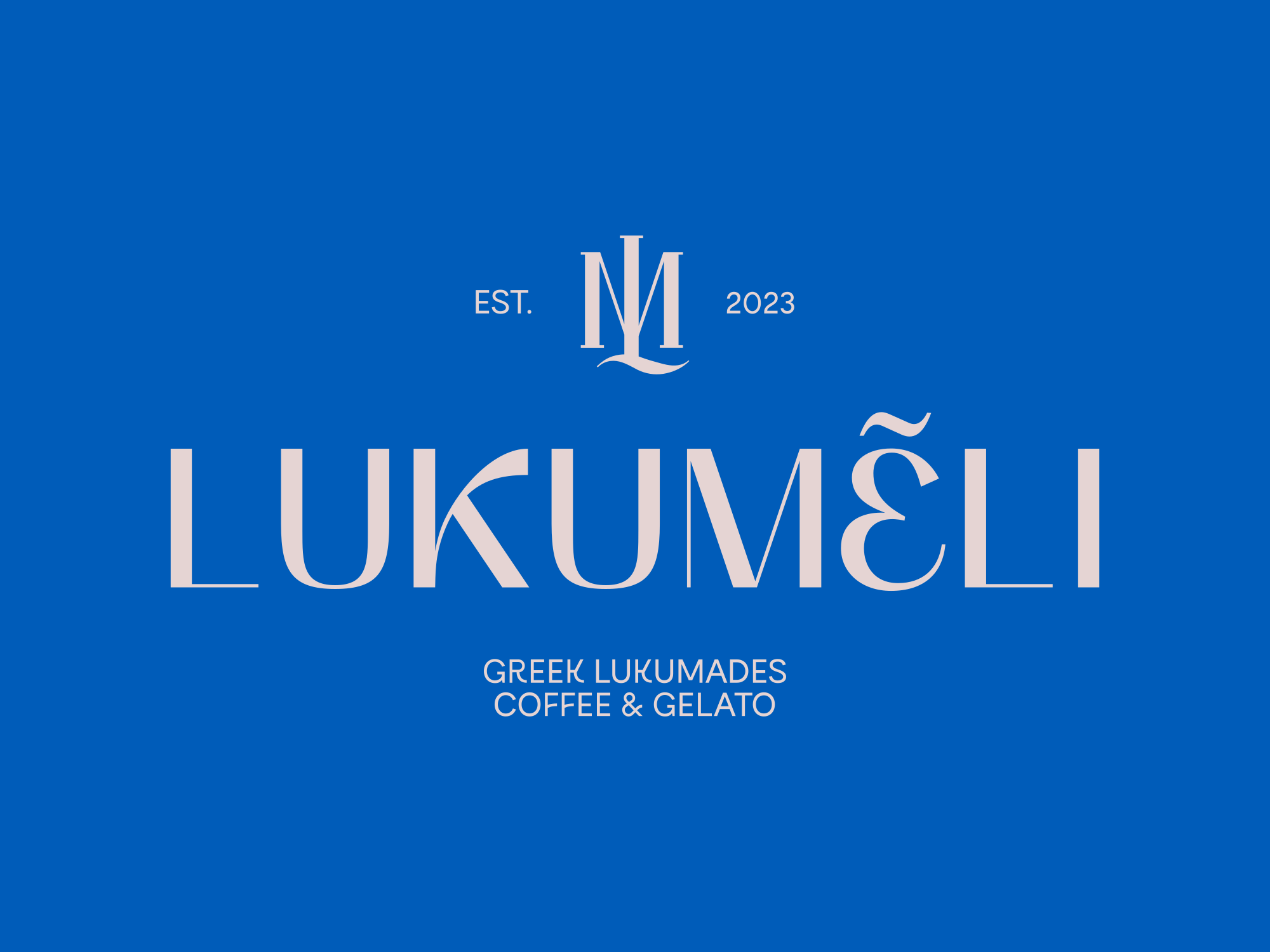
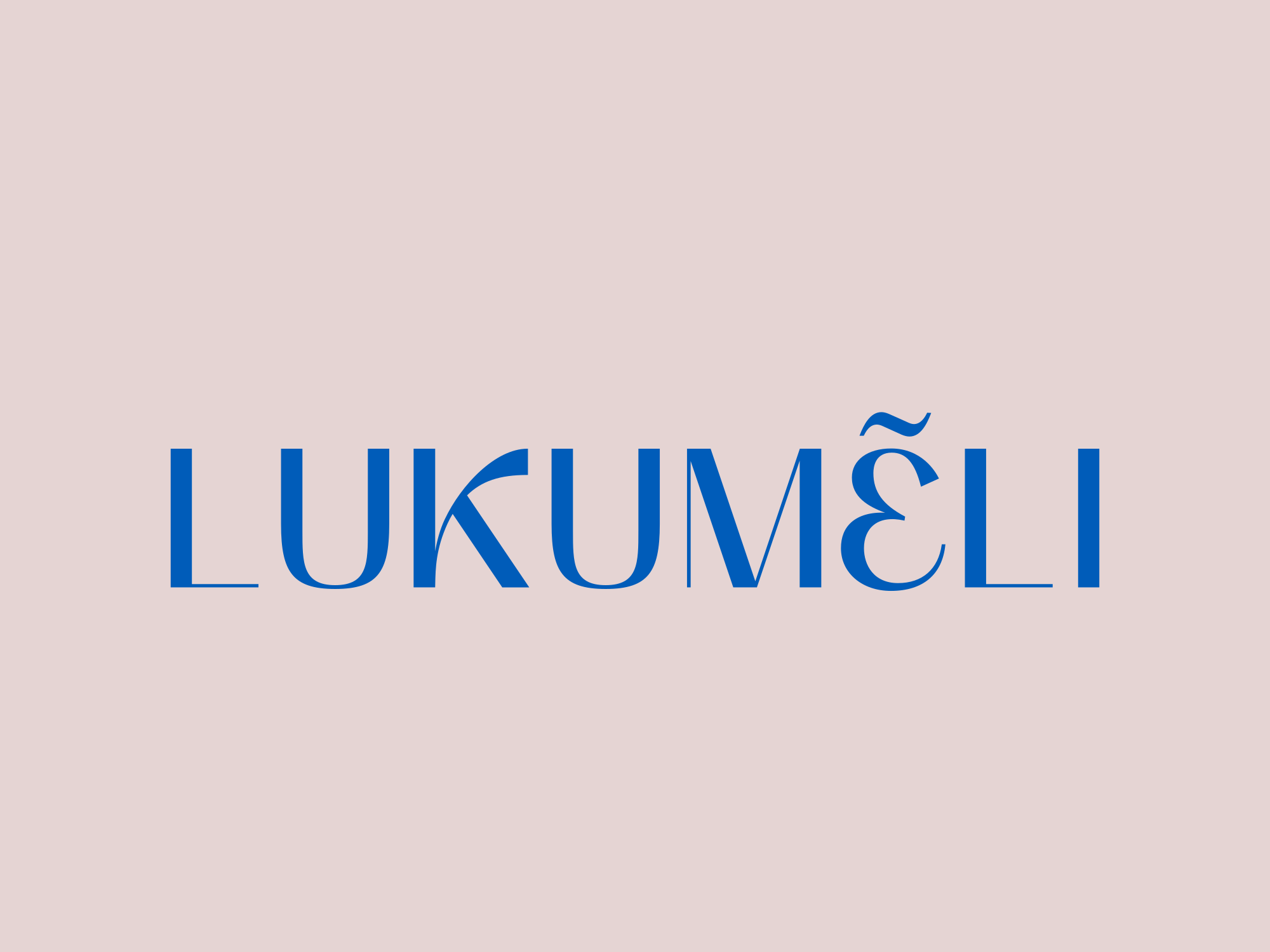
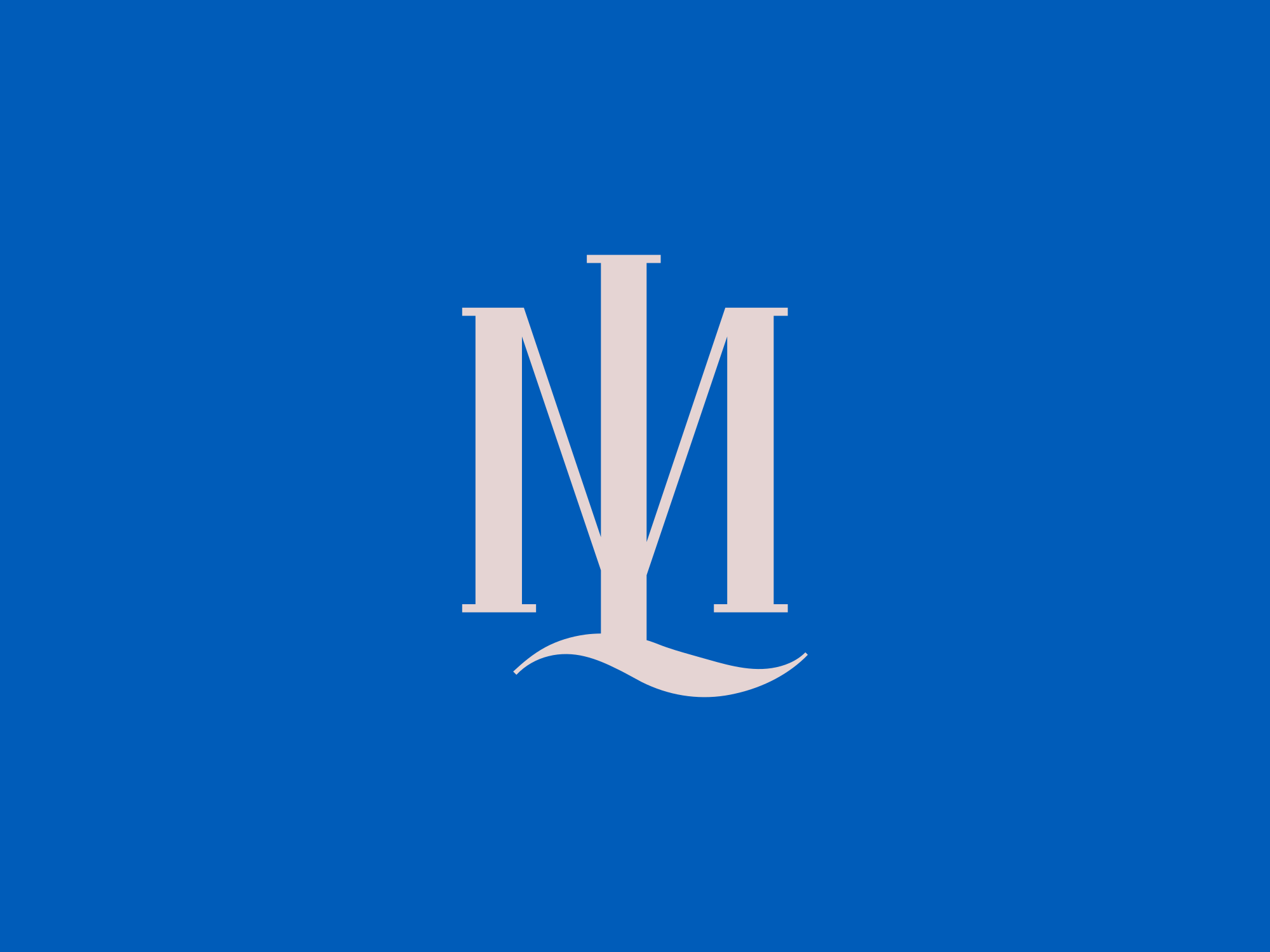
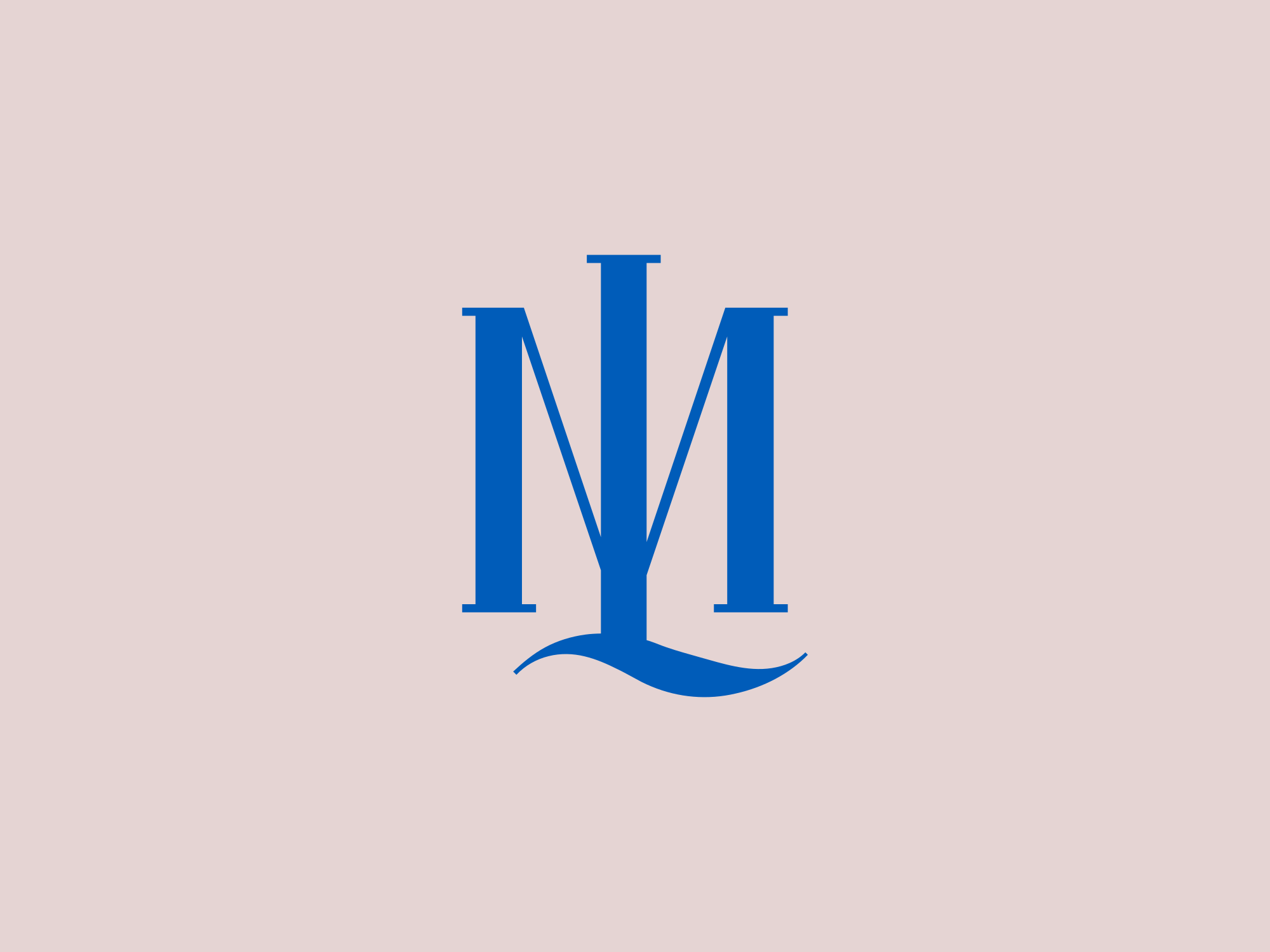
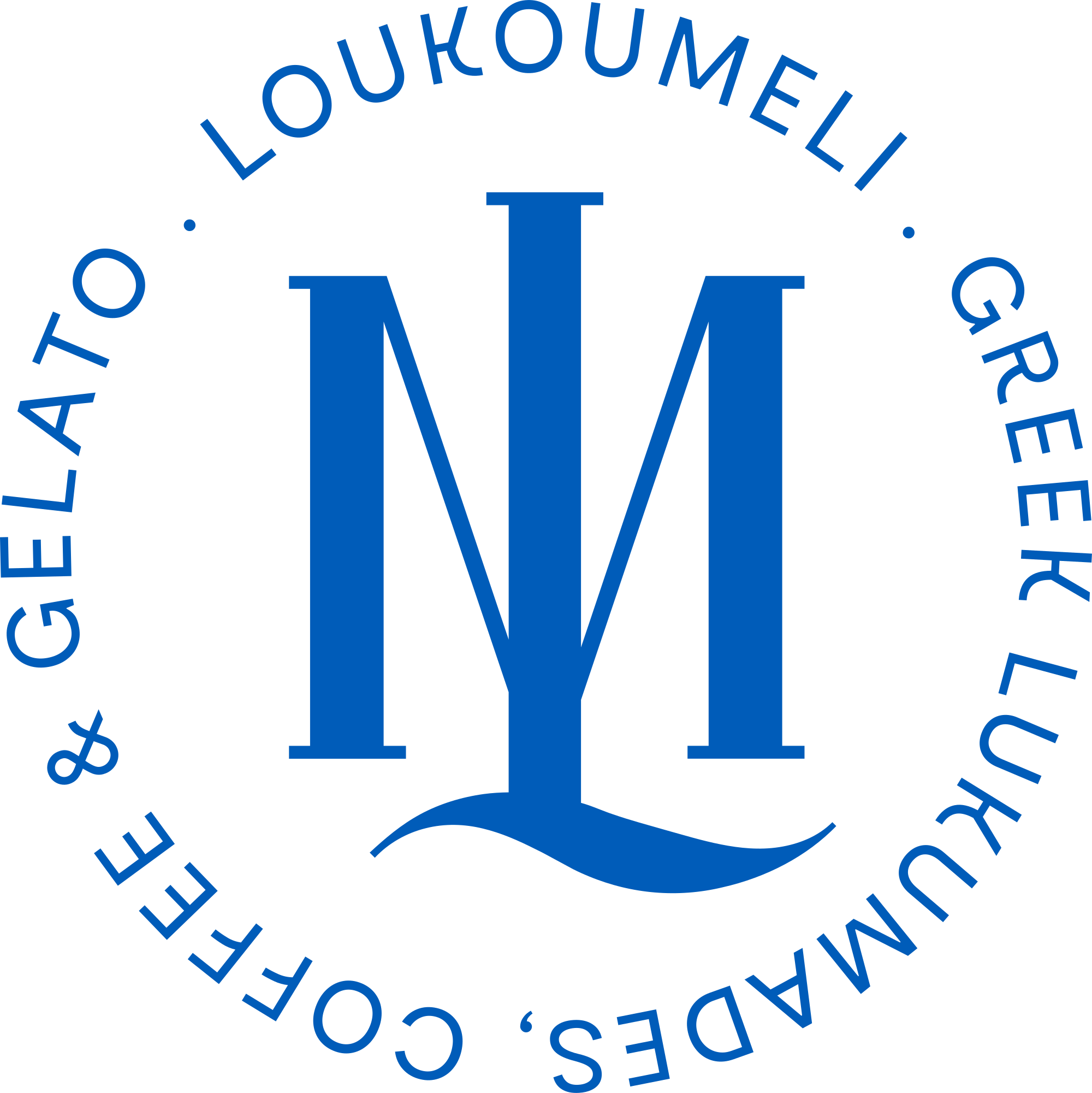
We took the colors straight from the fills in the SVG files. Here’s the start of a DESIGN.md for it:
# Lukumeli

## Colors

| Role | Hex | Use |
|------|-----|-----|
| primary | #005CB9 | Key surfaces, headlines, primary buttons |
| secondary | #E5D4D3 | Backgrounds and cards, text on blue |
| neutral | #FFFFFF | Page background |

## Typography

| Font | Usage | Weight |
|------|-------|--------|
| (from the kit) | Headlines | |
| (from the kit) | Body | |

## Logos

- Primary: monogram above wordmark, blue
- Stacked, on blue: pink logo on #005CB9
- Wordmark, on pink: blue wordmark on #E5D4D3
- Symbol: ML monogram, for favicons and avatars
- Emblem: circular badge, one color

## Rules

- Blue and pink are a pair: pink logo on blue, blue logo on pink.
- (Add the client's own rules from the kit.)
Look at the typography rows and the last rule. The logo files don’t say which typeface the client uses or what their usage rules are, so we left those for the kit to fill instead of guessing. Copy that habit. An empty cell tells you something is missing, while a guessed font name gets used with confidence by every agent that reads the file.
How to make Claude, Cursor and other agents read it
Where the file goes depends on the tool:
| Tool | Where DESIGN.md goes | How to point the agent at it |
|---|---|---|
| Claude Code | Project root | Add @DESIGN.md to CLAUDE.md so it loads every session |
| Cursor | Project root | Mention the file in your prompt |
| Claude or ChatGPT (chat) | Paste or attach it | Start the chat with it, before the first request |
| Any other agent | Project root or the chat | “Use DESIGN.md for all colors, fonts and spacing” |
Claude Code’s CLAUDE.md files can import other files with the @path syntax, and imported files load with it at the start of every session. One line in CLAUDE.md means nobody on the team has to remember to attach the brand.
Then prompt with the file named:
Using DESIGN.md, design a landing page for our new product that follows our brand.
If you use a design skill that makes strong choices of its own, add one more line: “Where DESIGN.md conflicts with your own choices, follow DESIGN.md.”
Plain Markdown or Google’s DESIGN.md format?
Google Labs publishes an open DESIGN.md format that puts design tokens in YAML alongside Markdown prose, with a CLI that can lint the file and export tokens to Tailwind. It’s still marked alpha. If your team builds production code from tokens, it’s worth a look.
For most studio work (pitches, prototypes, social templates, a first look at an identity), plain Markdown with tables does the job. Agents read tables well, and a client’s marketing lead can read the same file without learning a schema. Sinqlo’s DESIGN.md is plain Markdown and doesn’t use YAML front matter.
Skip the writing: Sinqlo builds it from the kit
Writing one DESIGN.md by hand is manageable. Keeping one current for every client every time a client tweaks a color is the part that breaks. It’s the ZIP file problem again: export, rename, resend, repeat at every revision, only now the stale copy sits in an agent’s context.
Sinqlo generates a DESIGN.md for every brand kit, with colors, typography, logos and brand rules. You download or copy it from the kit (here’s how it looks), and it’s on the Brand Kit Sharing Page your client already opens through their Brand Link. Update the kit and the next copy has the change. We wrote up what we built from one of these files in prototyping in a client’s brand kit with DESIGN.md, and if your agents connect to Sinqlo directly, they can pull brand assets live without any file at all.
FAQ
Where should a DESIGN.md file go?
In the root of the project, next to README.md, CLAUDE.md or AGENTS.md. For chat tools with no project folder, paste the file into the conversation or attach it to a project so every chat starts with it.
Does a DESIGN.md need YAML front matter?
Only if you follow Google Labs’ open DESIGN.md format, which puts tokens in YAML. Agents read plain Markdown fine without it. Sinqlo’s DESIGN.md is plain Markdown with tables and has no front matter.
How long should a DESIGN.md be?
As long as the brand needs and no longer. One page of tables plus five to ten rules covers most client brands. Every line loads into the agent’s context, so cut anything an agent can’t act on.
Should every client have their own DESIGN.md?
Yes. One file per brand, kept with that client’s kit. Mixing two clients in one file is the fastest way to get one client’s accent color in the other’s mockup.
Give every client a DESIGN.md with their kit
Your client gets one Brand Link with every logo variation, every format, the colors and fonts, and a DESIGN.md any agent can read. See the Sinqlo brand kit platform, compare plans, or open a live brand kit for HealthyMe to see what your client receives.