Best MCP Servers for Designers: A Studio Shortlist
The best MCP servers for designers are the ones that hand an agent the three things it can’t guess: the design file, the client’s brand, and a way to check its own output. For most studios that means Figma’s MCP server for design context, Sinqlo MCP for logos and colors, Playwright for checking pages in a real browser, and Notion, Storybook or Webflow depending on where the work ships. We checked every feature below against the vendor’s own documentation, and each entry says when to leave it out.
How we picked the best MCP servers for designers
MCP (Model Context Protocol) is the plug that lets Claude, Cursor or another agent call outside tools. We judged each server by three studio questions:
- Does it carry something the agent can’t infer? A frame’s auto layout, a client’s exact HEX values, a CMS schema. If the agent could get it from a screenshot, the server is optional.
- Can it change things, and whose things? A server that writes to a client’s live site needs a different level of trust than one that reads a color.
- What does it cost in setup and seats? Some servers are free to connect but rate-limited on cheaper seats.
Every row in this list was checked on the vendor’s own repository or docs in October 2026. Features move fast, so check again before you roll one out to the team.
The shortlist at a glance
| Server | What the agent gets | Can it change things? | Setup | Watch out for |
|---|---|---|---|---|
| Figma MCP | Design context: variables, components, layout, code from frames | Yes, writes to the canvas (remote server, beta) | Remote URL or the Figma plugin for Claude Code and Cursor | 6 tool calls a month on Starter, View or Collab seats |
| Sinqlo MCP | Client logos, colors, fonts, Brand Links, design tokens | No, read-only | One API key and one URL, about five minutes | Studio plan and up; it’s a brand layer, not a design tool |
| Playwright MCP | A real browser, read through accessibility snapshots | It drives the browser, not your files | npx @playwright/mcp@latest in the client config |
Microsoft suggests its CLI for coding agents to save tokens |
| Notion MCP | Pages and databases, read and edited in Markdown | Yes, edits pages | Remote, OAuth, follows each user’s Notion permissions | The old self-hosted repo is no longer maintained |
| Storybook MCP | Component knowledge from your Storybook | Not a file editor; the agent edits your code | Addon that serves /mcp from the Storybook dev server |
Moved into the main Storybook repo as of v10.6 |
| Webflow MCP | Site data, CMS content and the live Designer canvas | Yes, through a Bridge App in the Designer | Remote server with OAuth, plus the Bridge App | It can touch a client’s live site |
1. Figma MCP: the design file, as data
Figma’s server is the first one to connect if your team designs in Figma. According to Figma’s MCP server guide, it gives an agent design context from the file: variables, components and layout data. It can turn a selected frame into code, and with Code Connect it reuses your real components instead of writing new ones. On the remote server, agents can also write to the canvas and build frames, components, variables and auto layout from your design system.
Setup is a URL. In Claude Code it’s claude mcp add --transport http figma https://mcp.figma.com/mcp, or you install Figma’s plugin, which bundles the server with skills for common workflows. You then paste a link to a frame and ask the agent to build it.
Two things to plan for:
- Seats decide how much you can use it. Starter plan users and View or Collab seats on paid plans get up to 6 tool calls a month. Dev and Full seats on Professional, Organization and Enterprise plans get per-minute limits instead.
- Writing to the canvas is a beta. Figma says it’s free for now and will become a usage-based paid feature.
Figma’s own advice for better output reads like a design file checklist: components for anything reused, variables for spacing, color, radius and type, semantic layer names (CardContainer, not Group 5), and auto layout for responsive intent.
Skip it when the agent only needs the brand, not the layout. Pulling a whole frame to find one HEX value burns tool calls you may be rationed on.
2. Sinqlo MCP: the client’s brand, always current
Figma knows the design. It doesn’t know which of 20 logo files is the approved one, or that the client changed their orange in March. That’s the gap the Sinqlo MCP fills.
Connect it with one API key and one URL in Claude Code, Cursor or Windsurf. From then on the agent can pull a client’s live logo URLs, color values, font stacks, design tokens and Brand Link by asking for the brand by name. When the logo changes, the agent gets the new one, because it reads the same Brand Kit Sharing Page the client does.
Here’s why that matters at scale. Across Sinqlo, 537 uploaded logos have produced 3,002 variations, about 5.6 per logo and about 22 files per logo once every format is exported. An agent working from a ZIP file has to guess between those files. An agent working through the MCP asks for the variation by name and gets the current one.
This is what one client kit looks like from our studio, iframe design studio. These Li Tseri files are the kind of set an agent chooses from:




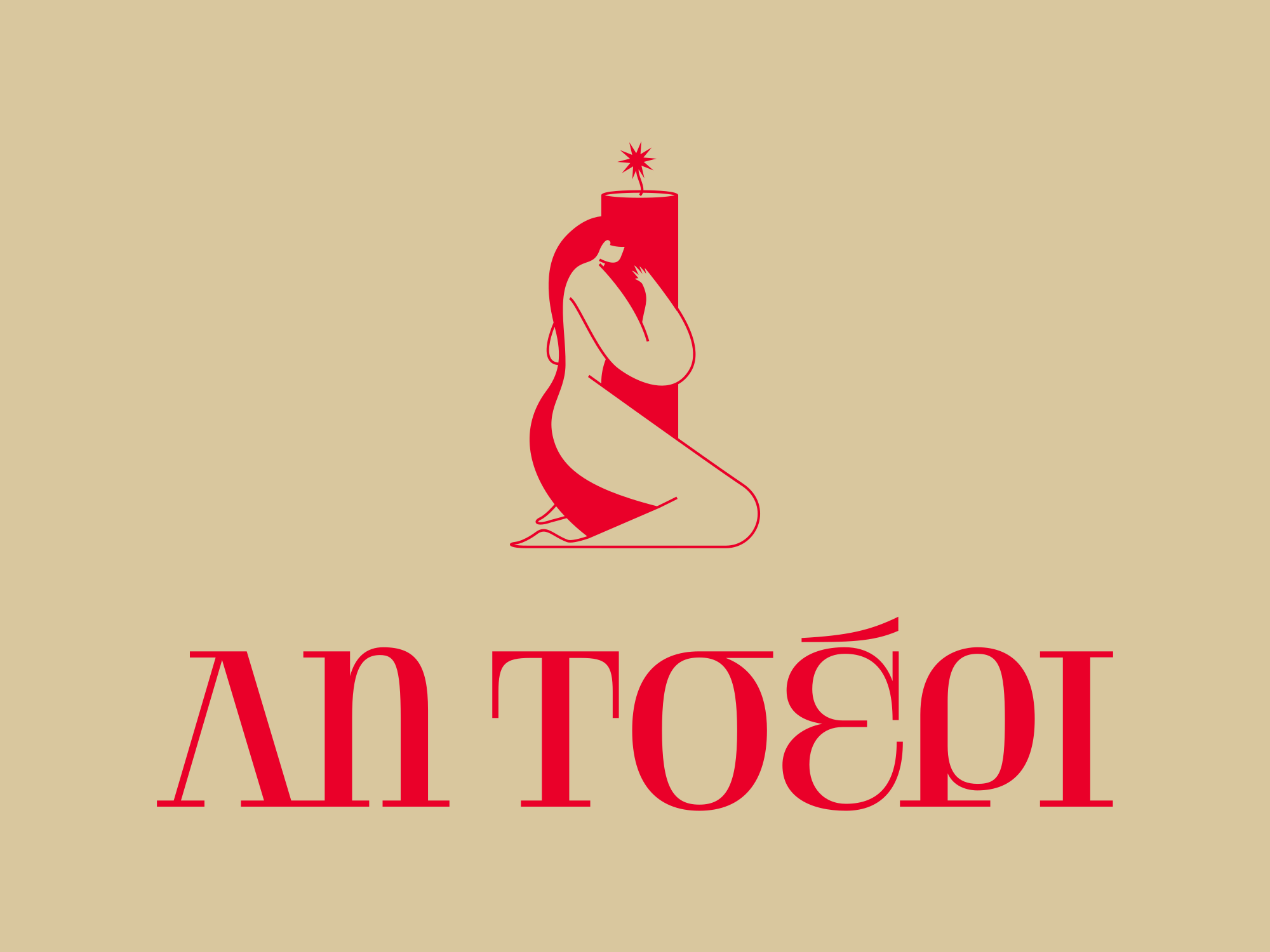
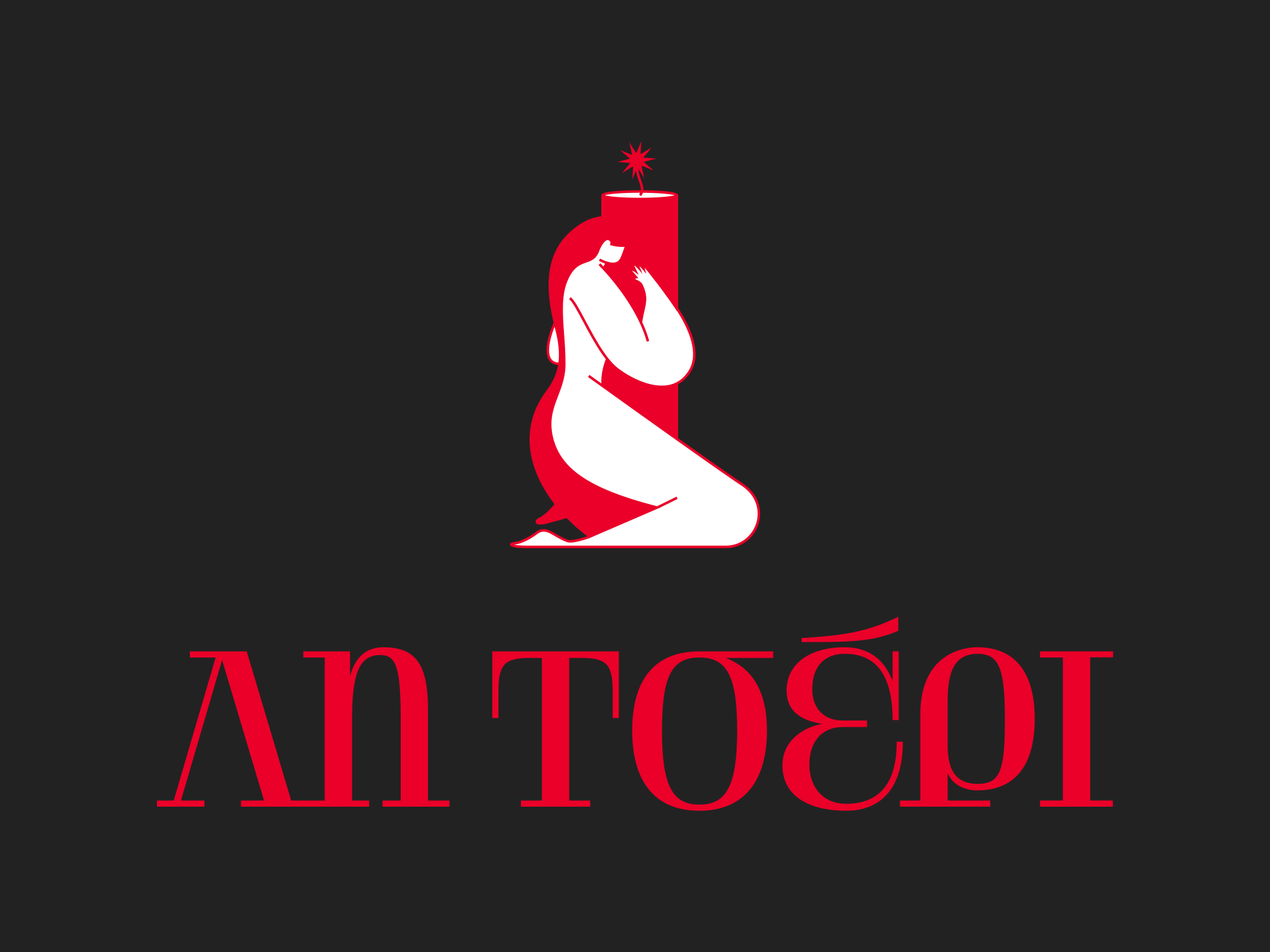

Ask an agent for “the logo for a red banner” and the right answer is the last one. Whether it finds it depends on the names it reads, which is why we wrote up how to name files in a brand kit for AI agents.
Every Sinqlo MCP tool is read-only. An agent can fetch a logo but can’t rename, replace or delete it, so a developer on your team can use it without any risk to the files.
Skip it when your team doesn’t use an MCP client yet. Every Sinqlo brand kit also has a DESIGN.md any agent can read, which you can drop into a project or a chat (how to create one). MCP access comes with the Studio plan and up, so check pricing before you plan around it.
3. Playwright MCP: let the agent check its own work
An agent that builds a page and never looks at it will ship broken layouts. Microsoft’s Playwright MCP server gives the agent a real browser. It reads pages through structured accessibility snapshots rather than pixels, so it doesn’t need a vision model, and it can still save screenshots when you want to see the result.
For a studio, that’s the review step: build the landing page, open it at 390px, and fix what overflows before a human looks. Setup is one entry in the client config that runs npx @playwright/mcp@latest, with Node.js 18 or newer.
Skip it when you work in a coding agent that can run commands. Microsoft itself points coding agents to its Playwright CLI with skills, because CLI calls avoid loading large tool schemas and accessibility trees into the agent’s context. The MCP version earns its place in long, exploratory sessions that need to keep browser state.
4. Notion MCP: briefs and specs where the team keeps them
If your briefs, brand rules and project notes live in Notion, the agent should read them there instead of from a pasted copy. Notion recommends its hosted Remote Notion MCP: it signs in with OAuth, respects each user’s existing Notion permissions, searches the workspace, and reads and edits pages in Markdown.
Use the hosted one. Notion’s self-hosted MCP repository says it is no longer actively maintained.
Skip it when client briefs live in email or PDFs. Connecting a workspace the team doesn’t use only adds tools the agent has to sort through.
5. Storybook MCP: for studios that hand off in code
Studios that deliver component libraries, not only Figma files, have a second source of truth: Storybook. The Storybook MCP addon runs an MCP server inside your Storybook dev server (at /mcp by default) and exposes component information to the agent, so new UI reuses the components you already built and documented. There are ready-made plugins for Claude Code and Codex.
As of Storybook v10.6 the project moved into the main Storybook repository, so follow the current Storybook docs rather than older blog posts.
Skip it when you hand off in Figma and the client’s developers own the code.
6. Webflow MCP: when you also build the site
Webflow’s server connects an agent to your sites over OAuth, and a companion Bridge App inside the Webflow Designer syncs the live canvas with the agent. Webflow’s own example prompts range from analyzing recent blog posts to adding internal links to building a responsive hero section.
Useful, and also a reason for care: the agent works on the real site.
Skip it when the site belongs to the client and they haven’t agreed to agent edits. Connect a staging site first.
A starter stack for a design studio
Most teams don’t need all six. Here’s how we’d group them by the work you do:
| If your studio mostly does | Connect | Add later |
|---|---|---|
| Brand identity and handoff | Sinqlo MCP, Figma MCP | Notion MCP for brand guidelines |
| Product and UI design | Figma MCP, Storybook MCP | Playwright for visual checks |
| Websites | Figma MCP, Webflow MCP, Sinqlo MCP | Playwright before launch |
Keep the list short. Every server adds tool definitions the agent reads before it starts, which is the same reason Microsoft steers coding agents away from loading Playwright’s full tool set.
Where the time actually goes
The servers above save the most time on the jobs nobody bills for: finding the right file, checking the right color, re-sending a logo after a revision. Manual export, renaming and packaging takes 30 to 45 minutes per client project. With client kits on Brand Links instead of ZIP files, iframe design studio saves about 3 hours a day across the team.
If you’d rather start with the client side, the Sinqlo Figma plugin puts the same logo library in your canvas without any agent at all.
FAQ
Do I need to code to use MCP servers as a designer?
No. Remote servers like Figma’s, Notion’s and Webflow’s connect with a URL and a sign-in. Local ones like Playwright need one config entry and Node.js installed. You paste, you don’t program.
Is the Figma MCP server free?
Partly. Figma’s guide says users on the Starter plan, or with View or Collab seats on paid plans, get up to 6 tool calls a month. Dev and Full seats on Professional, Organization and Enterprise plans get per-minute rate limits instead. Writing to the canvas is free during the beta and will become a usage-based paid feature.
Which MCP servers can change my files?
Figma’s remote server can write to the canvas, Notion’s can edit pages, and Webflow’s can change a site through the Designer. Sinqlo MCP is read-only. Check each server’s permissions before you connect it to a client’s account.
How many MCP servers should a studio connect?
As few as the work needs. Every server adds tool definitions to the agent’s context, and Microsoft’s own Playwright docs point coding agents to a CLI for that reason. Start with design files and brand assets, then add one server per workflow you actually run.
Give your agents the brand, not a ZIP
Your client gets one Brand Link with every logo variation, every format, the colors and fonts, and your agents read the same kit through the Sinqlo MCP. Update the logo once and both stay current. See how the brand kit works or start free.