How to Make a Brand Kit That Works With Agents in 2027
A brand kit works with AI agents when an agent can pick the right logo file from its name alone, knows which files already carry a background, and always reads the current version. Most studio kits fail the first test. We found that out in our own client kits at iframe design studio, and part of the cause was Sinqlo itself, so we changed how Sinqlo names files. This post uses real files from those kits: what an agent would get wrong, and what we fixed.
Why AI agents get a brand kit wrong
A designer opens the folder and sees the logos. An agent usually gets a list: file names, or links with file names in them. Ask it for “the logo on a dark background” and it reads those names, picks the one that sounds right, and drops it into the layout.
So in an AI-ready brand kit, the file name is the spec. Every variation we make for a client ends up as a file someone will choose by name, and on Sinqlo that’s about 22 files per logo once every format is exported.
Fix 1: never number your variations
Here are two files from the same Lumora kit:
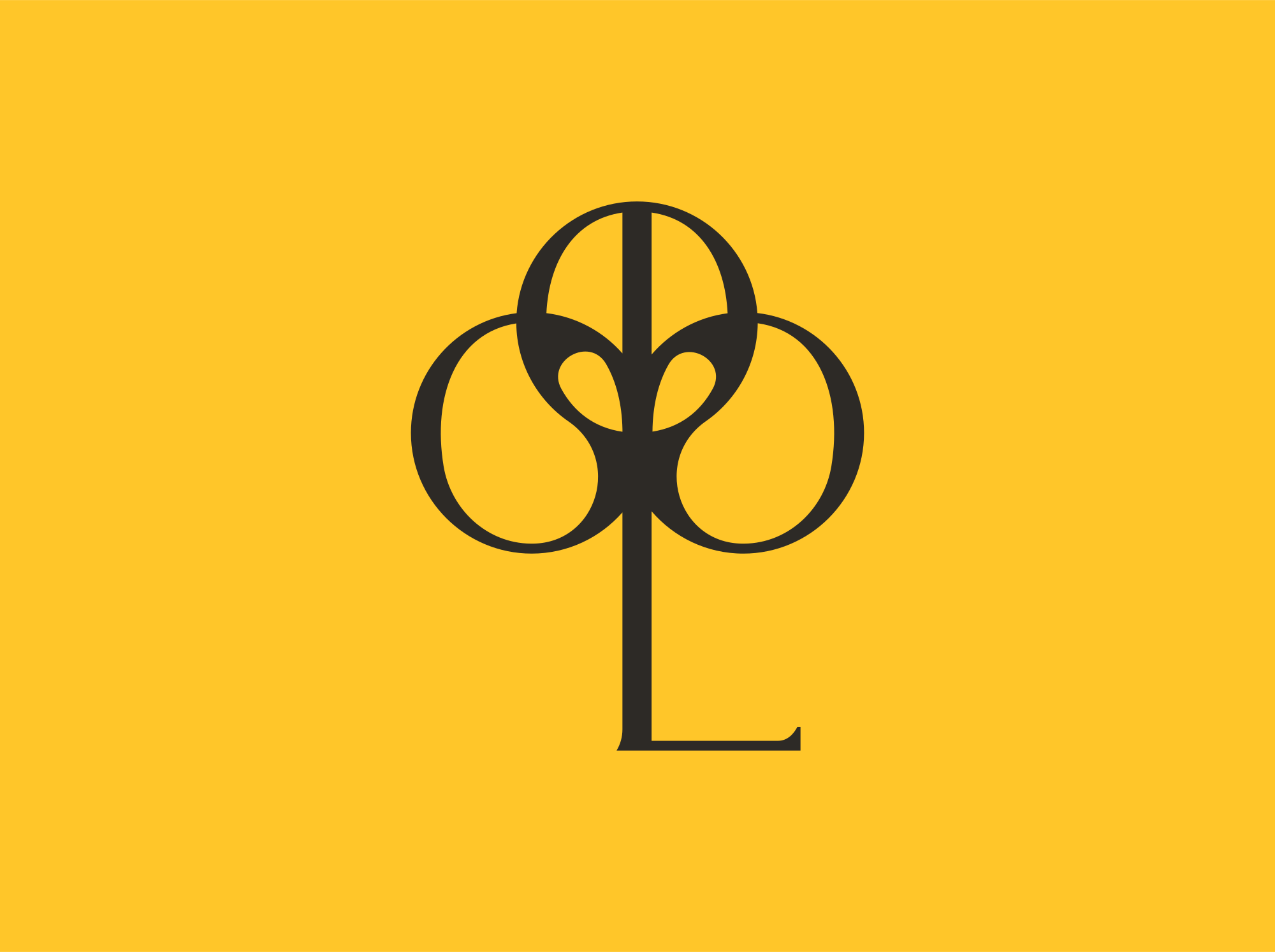
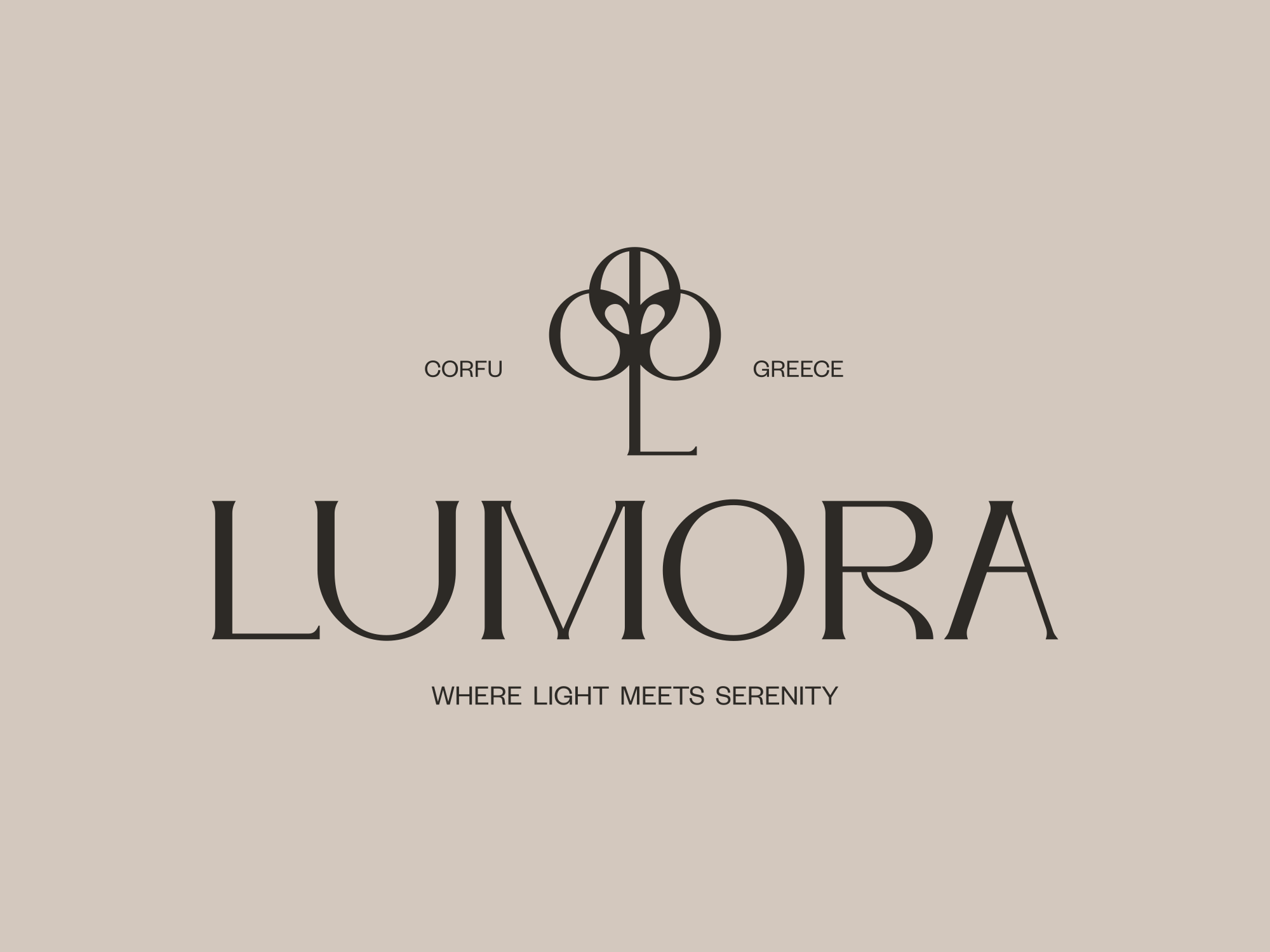
Same suffix, different colors. On the symbol, -2 is yellow. On the stacked logo, -2 is sand. Ask an agent for “the yellow version” across both layouts and it has a coin-flip on one of them.
Numbers made sense when we were the only ones reading the folder. We remembered what -2 meant. An agent doesn’t.
Those -2 files came out of Sinqlo. Every colored version of a logo carried the same tag, “Color Background”, so the export numbered the duplicates, and agents reading the kit through the Sinqlo MCP saw a list of identical names. Here’s what an agent got for Lumora’s symbol before October 29, 2026, and what it gets now:
Before                          After
Symbol, Color Background        Symbol, Sand Background
Symbol, Color Background        Symbol, Yellow Background
Vertical, Color Background      Vertical, Yellow Background
Vertical, Color Background      Vertical, Sand Background
Sinqlo now reads the background of each logo file and names the color. The export follows: Lumora-Symbol-Yellow-Background.svg. Kits already in Sinqlo got the new names without anyone re-uploading a file.
Word order causes the same problem. These two To Meli files use the exact same words:
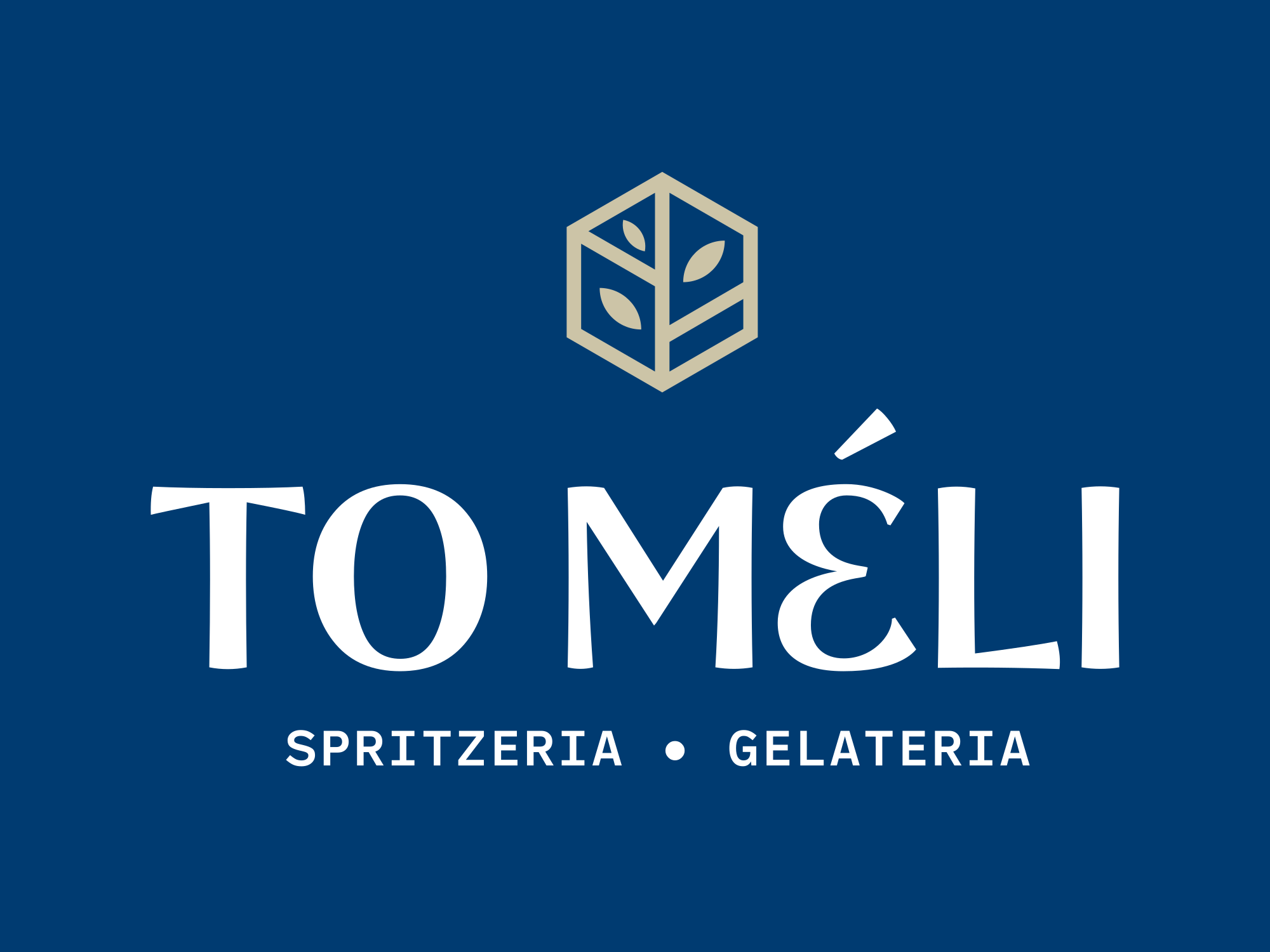
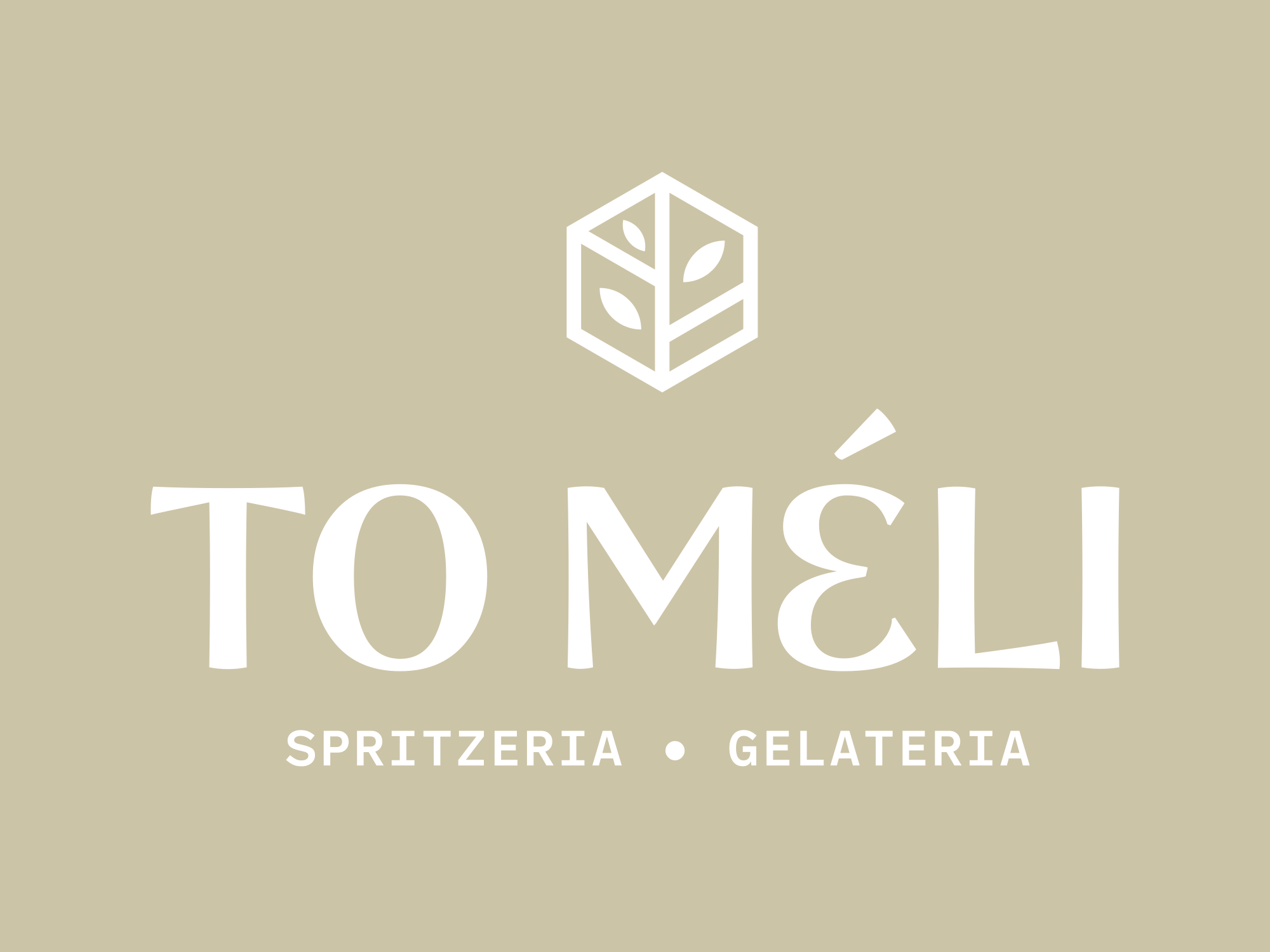
One is navy, one is sand. Nothing in either name says so.
For files you name by hand, the convention is brand, layout, logo color, background, always in that order, with colors named by what you see:
| Old name | New name |
|---|---|
| lumora-symbol-color-background-2.svg | lumora-symbol-brown-on-yellow.svg |
| lumora-vertical-color-background-2.svg | lumora-vertical-brown-on-sand.svg |
| to-meli-vertical-color-background-inverse.svg | to-meli-vertical-white-on-navy.svg |
| to-meli-vertical-inverse-color-background.svg | to-meli-vertical-white-on-sand.svg |
It’s longer, and nobody has to remember anything.
Fix 2: say what’s behind the logo
Both of these Blue files have “white” in the name:


In one, white is the box behind a navy logo. In the other, white is the logo itself, with nothing behind it. Ask an agent for “the white logo” to put on a hotel photo and either file could come back. One of them drops a white rectangle on the photo.
Every logo file is one of two kinds: it carries its own background color, or it’s transparent and needs one. Put that in the name (navy-on-white, white-on-transparent) so the agent can’t place a box on top of a photo, or a white logo on a white page.
Fix 3: give every color a job
An agent with six HEX codes will use all six. A kit that says which color is the background, which is for text, and which is the accent gets a layout that looks like the brand instead of a palette test. We wrote up how we label colors by role in how to create a DESIGN.md file, so we won’t repeat it here. The short version: one line per color, saying where it goes.
Fix 4: give the agent one live source
Renaming files doesn’t help if the client’s team pastes last year’s ZIP into a chat. Agents keep whatever you gave them. If the logo changed in March and the file in the project folder is from January, every draft uses January.
That’s why our kits live behind one Brand Link. The client’s team, their developer and their agents all read the same Brand Kit Sharing Page, and when we update the logo, the page updates. The kit also comes with a DESIGN.md any agent can read, and teams on Claude or Cursor can pull logo links and color values straight from the kit through the Model Context Protocol (setup in brand asset management with AI agents).
Here’s what an agent-ready kit looks like
HealthyMe is the kit we use as our live sample. These are its files, captioned with the names an agent reads through the Sinqlo MCP:
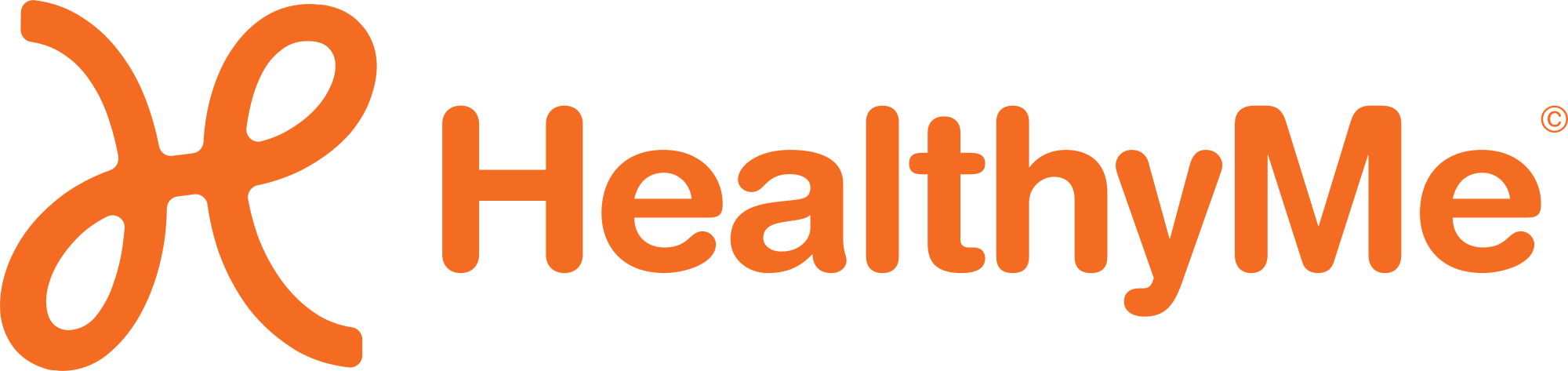

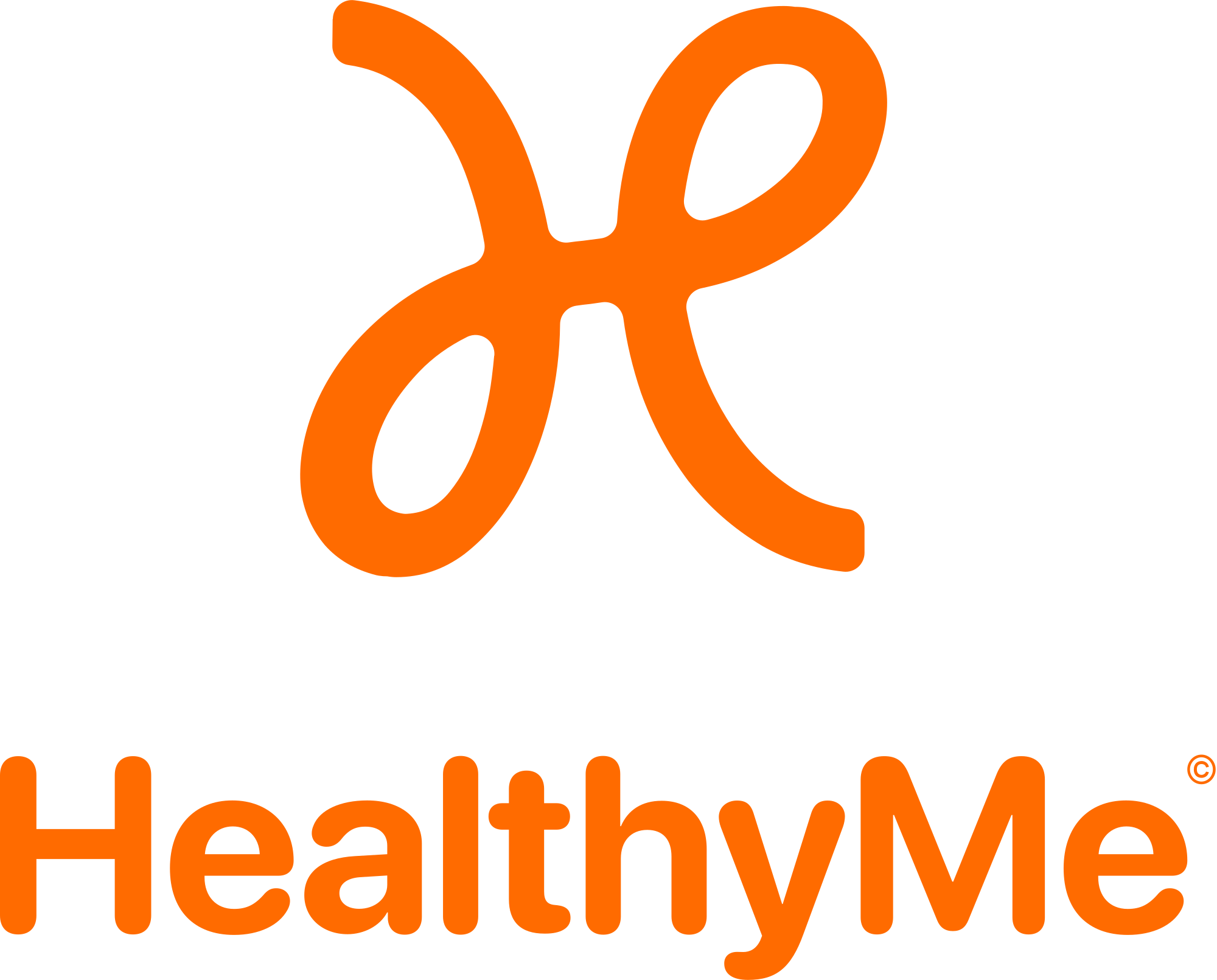
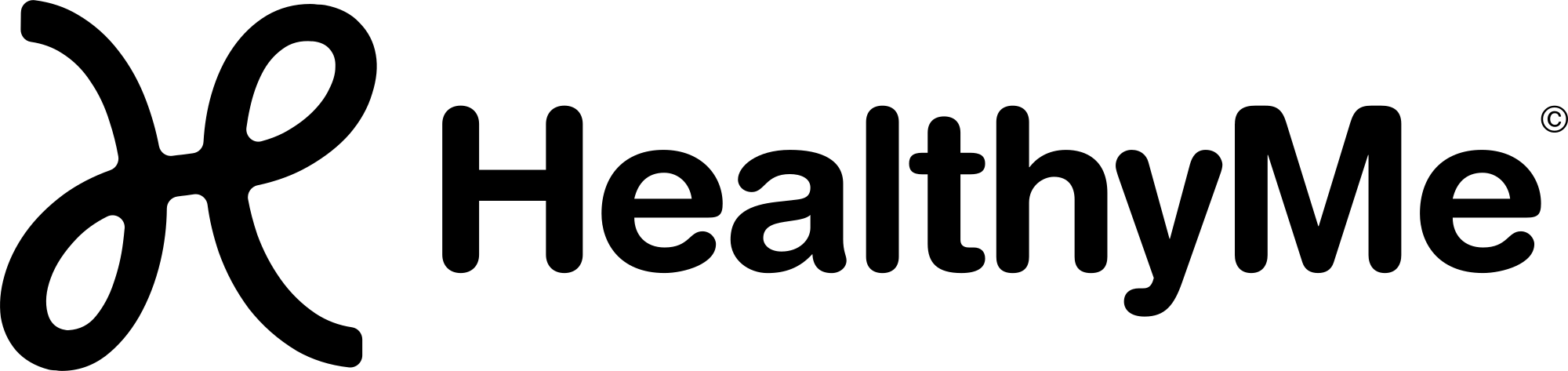


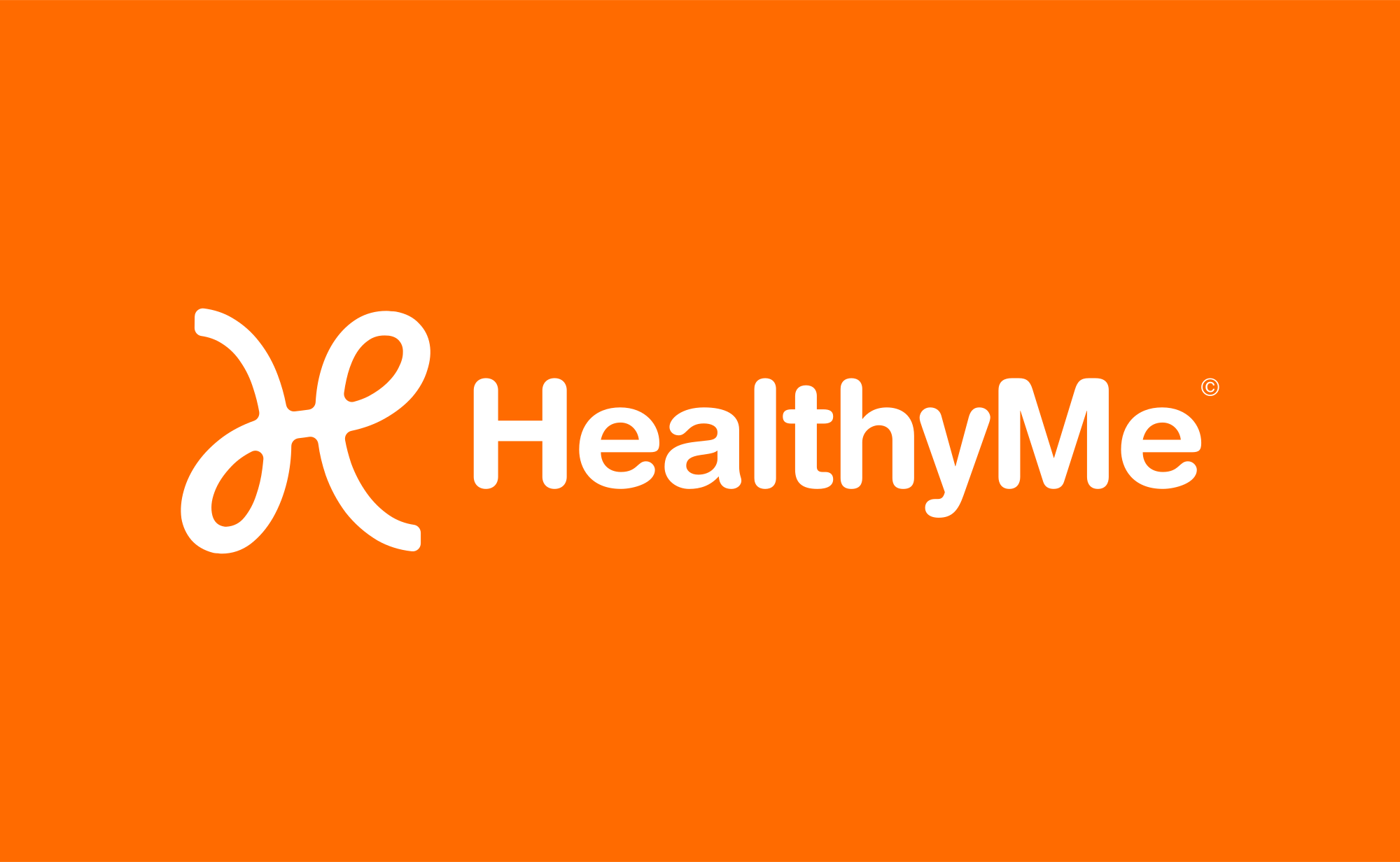

Each name says the layout and, where it matters, the color. The kit also carries its rules as plain sentences an agent can follow, such as “Never alter the fluid loop symbol” and “inverse white on orange” for high-contrast layouts.
One name we’d still change: “Horizontal, Inverse” doesn’t say there’s an orange box behind the logo. “Horizontal, White on Orange” would.
To test a kit, give an agent the file list and one prompt: “Make a square post for a dark photo background using the stacked logo.” Then check which file it picked. A wrong pick means a name to fix.
FAQ
Can an AI agent tell logo variations apart by looking at them?
Sometimes, if it opens every file. In practice agents choose from a list of file names or links, so the name is what decides which logo ends up in the layout.
What is a good file naming convention for an AI-ready brand kit?
Brand, layout, logo color, then background, in that order every time: lumora-vertical-white-on-transparent.svg. Name colors by what you see, never by a number like -2.
Do I need to rename every old client kit?
Not the ones in Sinqlo: their colored variations already carry the background color in the name. For files outside it, start with the clients whose teams already use AI tools, and fix the rest the next time the logo changes.
Hand clients a kit their agents can read
Your client gets one link with every variation, every format, the colors and a DESIGN.md, and it stays current when the logo changes. See how a Brand Kit Sharing Page works or start free.