AI Design System: What Makes One Ready for Agents
An AI design system is a design system an agent can read and follow without you translating it: logo files with names that say what they are, colors with jobs, type, short written rules, and one channel that always serves the current version. For a design studio, the part that matters is the brand layer. Agents rarely break your grid. They redraw the logo and invent a fourth brand color.
We run this setup for client work at iframe design studio, the team behind Sinqlo. This guide covers what an AI-ready system contains, how it differs from the documentation wikis big product teams use, and the three ways to hand it to Claude, Cursor or any other agent.
What an AI design system actually is
Search the term and you’ll find three different ideas wearing the same name. Some people mean AI that helps build and maintain a classic design system: drafting docs, auditing components, suggesting token names. Others mean design patterns for AI products, like chat bubbles, streaming states and “the model might be wrong” warnings.
This post is about the third meaning, the one that changes how a studio hands off work: a design system that machines can consume. You give it to an agent, and the agent’s first draft uses the client’s real logo, real colors and real type.
A person can open a 40-page PDF, skim it, and get the gist. An agent gets a list of file names, some text, maybe a JSON file, and it will act on exactly what’s there. If the guidelines say “use the primary color generously” and never say which hex that is, the agent picks one.
The five parts an agent actually reads
Here’s what we put in every client system before an agent touches it, and what each part looks like when it’s done for a person versus done for an agent.
| Part | Written for a person | Written for an agent |
|---|---|---|
| Logos | A page of logo images in a PDF | Real SVG and PNG files, named by layout, logo color and background |
| Colors | Swatches with mood names | Hex values, each with a role: text, background, accent, never for |
| Typography | A specimen sheet | Family, weights, and where each one is used |
| Rules | Do and don’t spreads with images | Short sentences an agent can check a draft against |
| Delivery | A ZIP or a shared drive folder | A DESIGN.md, design tokens, or an MCP server that serves the live kit |
None of this needs a component library. If you build React components for a product team, you also need a component sandbox and docs for it, and a brand kit platform won’t replace that. Most brand clients never get that far. They need their identity applied correctly across a website, decks, social posts and whatever their marketing team generates next quarter.
Logos: files with honest names
An agent never sees your logo folder the way you do. It reads names and links. So “logo-final-2.svg” is a coin flip, and a logo described in words gets redrawn, badly.
The volume adds up fast. Across Sinqlo, 537 uploaded logos turned into 3,002 variations, about 5.6 per logo, and roughly 22 files per logo once each variation exists in SVG, PNG, PDF and WebP. Every one of those files is something an agent might pick by name. We covered naming in detail in how to make a brand kit that works with agents, so here’s just the rule: brand, layout, logo color, background, in that order, with colors named by what you see.
Here’s a real client set. Akti Suites is a seaside suites brand our studio designed, and these are 8 of its 18 SVG files:
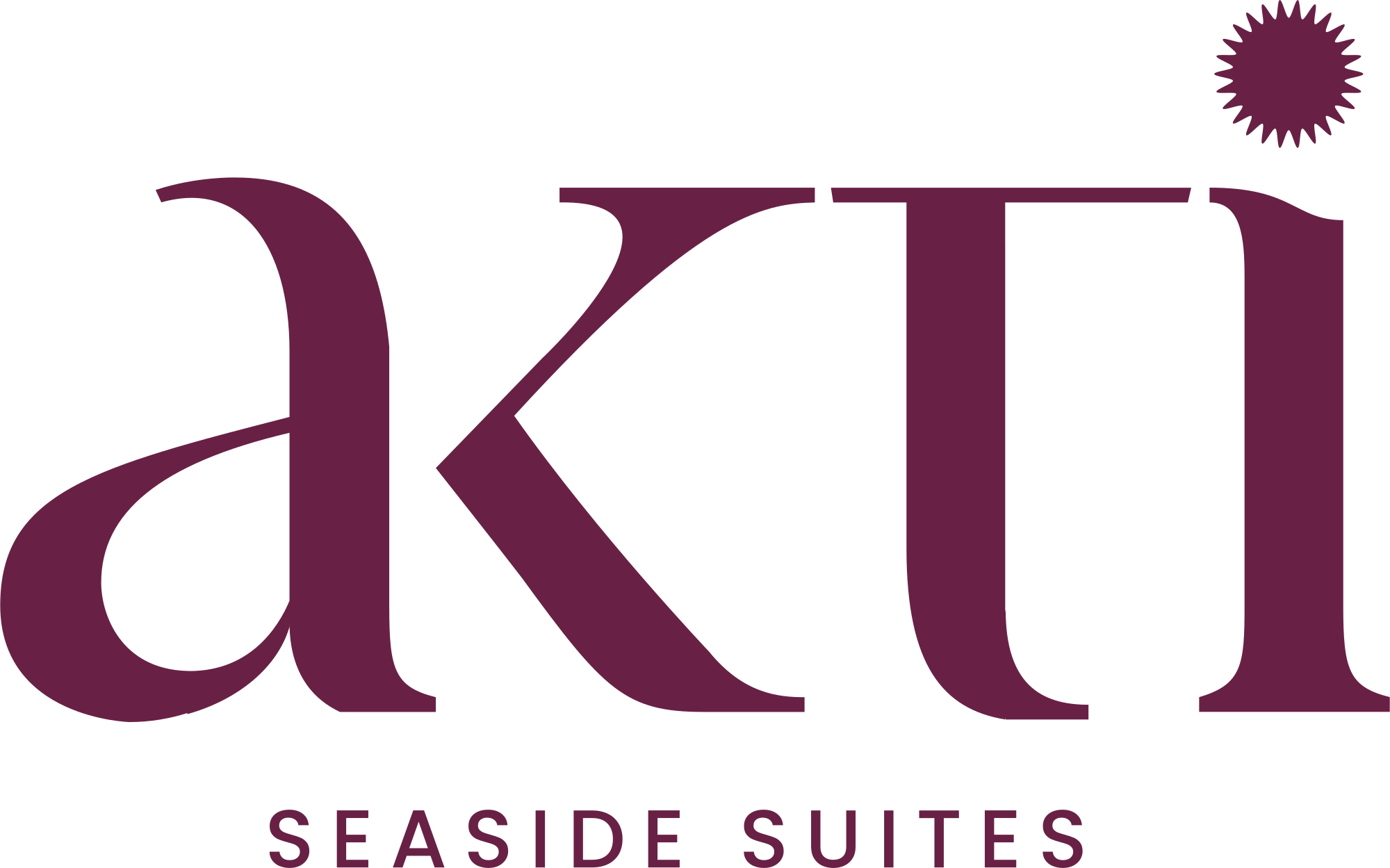




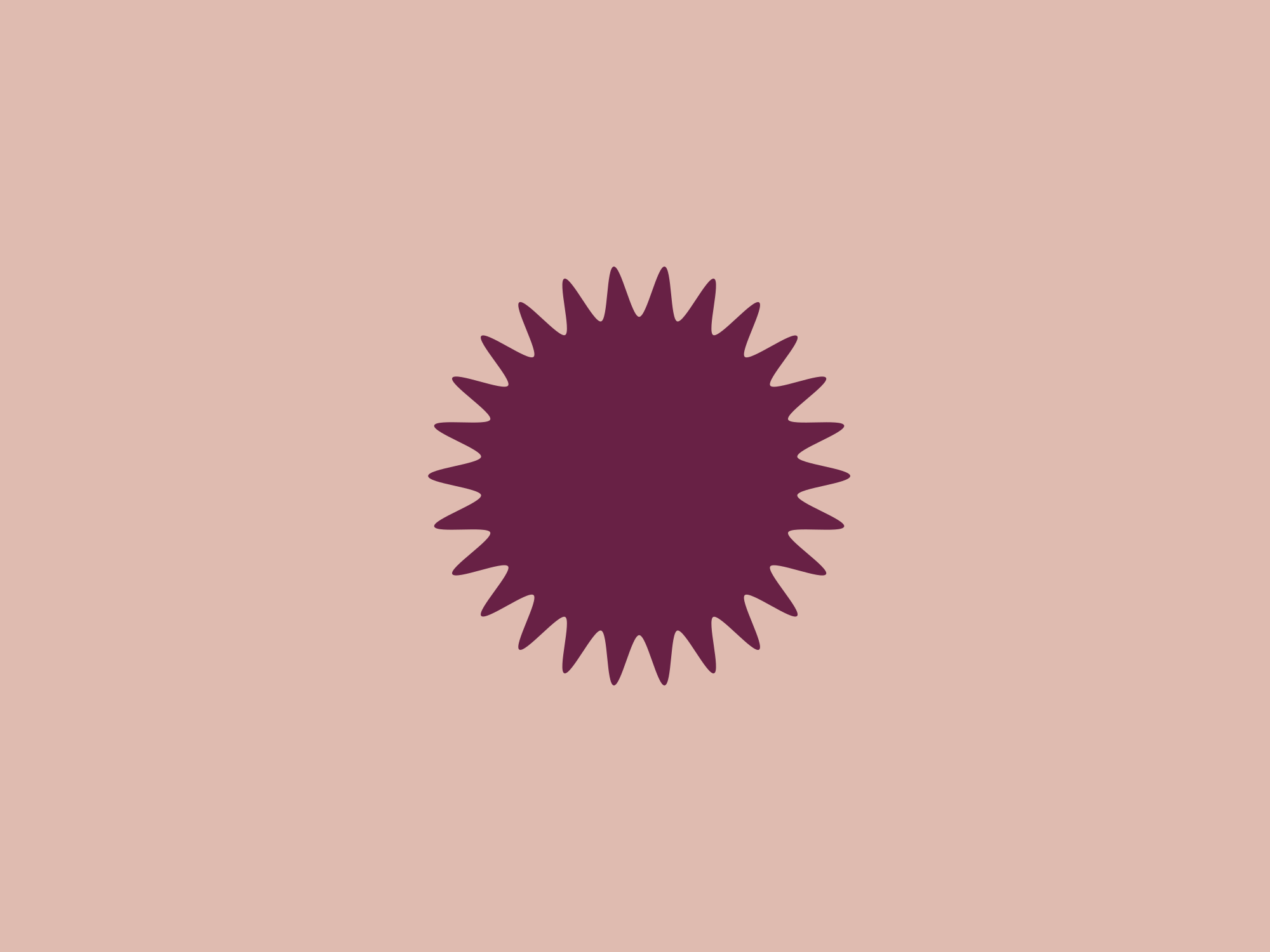


Two of those files share the exact same two colors and only swap which one sits behind the logo. A person sees the difference in half a second. An agent working from a file list only knows if the name tells it, which is why “inverse on plum” beats “color-2” every time.
Colors: values plus a job
The Akti SVGs use three fills: plum #682145, blush #DFBBB0 and white #FFFFFF. That’s the palette as data. It isn’t a system yet, because nothing says what each color is for.
Roles are what an agent can actually follow. So we write tokens named by job, then agree the roles with the client before anything ships:
:root {
  --brand-ink: #682145;      /* logo, headings, buttons */
  --brand-surface: #DFBBB0;  /* soft section backgrounds, one block per layout */
  --brand-on-dark: #FFFFFF;  /* logo and text over photos */
}
Name a token --plum and an agent will happily use plum for body copy on a blush background, which nobody can read. Name it --brand-ink and the intent travels with the value. (The roles above are our studio’s reading of the logo files, not something the SVGs state.)
Tokens also have a shared format now. The W3C Design Tokens Community Group published the first stable version of its format, 2025.10, on October 28, 2025. It’s a community group report rather than an official W3C standard, but it gives tools one JSON shape to agree on. If a client’s tokens will travel between Figma, code and agents, that’s the shape to use.
Typography: write it down, because the files won’t
Production logos have outlined type, so fonts can’t be pulled from an SVG. We read the stack from the source files and write it out: family, weights, and the job of each weight. “Headings 700, body 400, never set the wordmark in a live font” is three facts an agent can check. A specimen image is zero.
Rules: short enough to check against
The rules section is where legacy brand books lose agents. A spread with six crossed-out logo mockups means a lot to a designer and very little to a model. Rewrite each one as a sentence: “Never place the plum logo on black.” “Use the white stacked logo over photos.” “One blush block per layout, max.”
Keep it under twenty rules. Past that, agents start skimming too.
Legacy design system wikis vs a lightweight AI design system
Enterprise design system tools were built for product teams with a component library and a full-time systems team to curate docs. That model still makes sense for them. For a studio running twenty brand clients, it’s a lot of overhead per client, and the docs drift the week after handoff.
| Enterprise documentation wiki | Lightweight, brand-first system | |
|---|---|---|
| Built for | One product, a dedicated systems team | Many clients, a small studio team |
| Main content | UI components, code snippets, usage pages | Logos, color roles, type, rules |
| Who keeps it current | A maintainer per system | Whoever updates the logo; the link follows |
| How agents read it | Varies by tool; often scraped pages | DESIGN.md, design tokens, or MCP |
| Setup per client | Days | Upload the logo, set roles, write rules |
If your client needs coded React components documented with live examples, pair a component sandbox with a documentation tool built for that. Sinqlo is the brand layer. It doesn’t host components.
Three ways to give an agent your design system
1. Paste a DESIGN.md into the chat
The quickest route. A DESIGN.md is one Markdown file with the logos, colors, type and rules, and any agent that reads text can use it. Sinqlo auto-generates one for every brand kit, so nobody on the team writes it by hand. Drop it into a Claude Project, a Cursor repo root, or paste it straight into a chat.
The weak spot is time. A pasted file is a copy. When the client changes a color in March, every chat that got the February file keeps using it. There’s a full walkthrough of prototyping in a client’s brand with DESIGN.md if you want to see the output.
2. Commit design tokens to the repo
When the studio builds the site, the tokens belong in code. CSS custom properties for plain builds, a Tailwind theme for Tailwind projects, JSON when tokens move between tools. Point the agent at the token file in its project instructions and tell it to use no other hex values. This is the most precise route, and it still goes stale if nobody updates the file.
3. Connect a design system MCP server
The Model Context Protocol is the open standard Anthropic released in November 2024 for connecting AI assistants to the systems where data lives. A design system MCP server lets the agent ask for the brand when it needs it, so it always reads the current kit.
Sinqlo MCP works this way. Connect Claude, Claude Code, Cursor or Windsurf, ask for a client by name, and the agent gets live logo URLs, color values, font stacks and brand rules. Tokens come back as CSS custom properties, a Tailwind v4 theme, or W3C JSON. Every tool only reads, so an agent can’t edit or delete a client’s files. We compared it with the other servers studios actually run (Figma, Playwright and friends) in the best MCP servers for designers.
| Route | Setup time | Stays current | Best for |
|---|---|---|---|
| DESIGN.md | Minutes | Until the brand changes | Chats, quick prototypes, one-off decks |
| Tokens in the repo | An hour | Until someone forgets to update it | Sites and apps the studio builds |
| MCP server | About five minutes per tool | Yes, reads the live kit | Teams using agents every day across many clients |
Most of our clients end up with two routes: tokens in the build, and MCP or a fresh DESIGN.md for everything else.
What breaks in real client work
Some of these we only learned by shipping the wrong thing.
Stale files are the big one. The old handoff is the ZIP: export, rename, zip, upload, resend at every revision. That takes 30 to 45 minutes per client project before any agent is involved, and the agent version is worse, because now the stale ZIP lives inside five different AI workspaces nobody remembers to refresh.
Redrawn logos come next. Ask an agent for “the logo in the header” without a file and it will write an SVG that looks roughly like the brand. Always give it a linked file and a rule that says never draw the logo.
Color drift is quieter. An agent that knows three brand hexes will still invent a fourth for a hover state or a chart. “No other hex values” in the instructions catches most of it; a review pass catches the rest.
And with many clients, brands bleed. One shared chat with three clients’ palettes in its history is how Client A’s plum shows up in Client B’s deck. One project or repo per client fixes it.
A lightweight AI design system checklist
- Collect every logo variation as real files and name them by layout, logo color and background.
- Pull the hex values from the files, then give each color a role and get the client to sign off.
- Write the type stack by hand: family, weights, job of each weight.
- Rewrite the brand book’s do and don’t pages as fewer than twenty short sentences.
- Pick the delivery route: DESIGN.md for chats, tokens for builds, MCP for daily agent use.
- Add the instruction “use only the files and colors in the kit, never redraw the logo” to every agent project.
- When the brand changes, change it in one place, so every route above reads the same version.
If you’re still deciding what goes into a client kit in the first place, start with what a brand kit includes. To see the delivery end, open a live brand kit from one of our clients: it’s what both the client’s team and an agent read from.
FAQ
What is an AI design system?
An AI design system is a design system an AI agent can read and follow without a person translating it: real logo files with clear names, colors with roles, typography, short written rules, and a way to deliver all of it to the agent, such as a DESIGN.md file, design tokens or an MCP server.
Do I need Storybook or a component library to have an AI design system?
Only if you ship coded UI components. Most studio work for brand clients needs the brand layer: logos, colors, type and rules. That layer is what agents get wrong most often, and it can live in a lightweight brand kit.
What is a design system MCP server?
It is a server that speaks the Model Context Protocol and hands an agent design system data on request: logo files, color values, tokens, fonts and rules. Because the agent asks for the data each time, it gets the current version instead of a copy pasted weeks ago.
Which design token format should a studio use for AI?
Use what the project already reads. CSS custom properties work for plain web builds, a Tailwind theme for Tailwind projects, and JSON in the W3C Design Tokens format when tokens move between tools. Name each token by its job, not by the color.
Give every client a design system agents can read
In Sinqlo, each client gets one Brand Link with every logo variation in SVG, PNG, PDF and WebP, the colors and fonts, brand rules, and a DESIGN.md any agent can read. Their team opens the Brand Kit Sharing Page without a login, and your agents read the same kit over Sinqlo MCP. Change the logo once and both get the new file. See what a client receives, or start free with up to 3 brand kits.