Brand Guidelines for AI: What an Agent Needs From a Brand
Brand guidelines for AI are the parts of a brand an agent can act on: colors with a job, fonts with a fallback, links to the real logo files, and rules written as plain sentences with numbers in them. Most of a classic guidelines PDF passes through an agent without changing what it makes. This guide maps what an agent uses and what it skips, shows how we package a client’s brand at iframe design studio so AI tools stay on it, and ends with a template you can copy.
Why brand guidelines for AI are a different document
A guidelines PDF is built for a person turning pages. A logo on a photo, a red cross over a stretched wordmark, a full spread of swatches: a designer gets each point at a glance. An agent gets extracted text plus whatever it makes of the images.
And when an agent doesn’t find something, it fills the gap. No font named means it picks one. A palette with no roles means every swatch ends up somewhere on the page. A logo described in words gets redrawn.
Your clients’ teams already open AI tools with their brand in them. The question for a studio is whether the brand they paste in was written for that reader. We deliver every client a brand kit anyway, so the work is mostly rewriting what’s already there into a form an agent can follow.
What an agent reads, and what it ignores
Here’s how each section of a typical guidelines PDF holds up when the reader is an agent, and how we rewrite it.
| Guidelines section | What an agent does with it | Write it for AI as |
|---|---|---|
| Brand story, mission, values | Little for visual work; it may borrow phrases for copy | Two lines on voice, plus example sentences |
| Logo construction grid | Nothing useful | Leave it in the PDF for designers |
| Clear space and minimum size diagrams | Easy to miss when the rule is only a drawing | “Clear space equals the symbol’s height. Minimum width 24px on screen.” |
| Color swatch page | Reads HEX values if they’re text, then guesses where each goes | One line per color: value and its job |
| Typography specimen | Needs the family name, which is often only in the image | Family, weights, sizes, a fallback font |
| Logo pages | Can’t place a picture of a logo in a layout | Links to the actual files, named by layout and background |
| Do and don’t spreads | A red cross on an image loses its meaning as text | Each “don’t” as a sentence: “Never place the logo on a busy photo.” |
| Photography moodboard | A weak signal | Words: subject, light, crop, what to avoid |
The pattern: anything an agent has to see to understand needs a sentence or a file. Anything that explains why the brand looks the way it does can stay where it is, for people.
A 73-line example from Anthropic
Anthropic publishes a brand-guidelines skill in its public skills repository: the instructions Claude follows to apply Anthropic’s look to documents and slides. The whole SKILL.md is 73 lines. What’s in it:
- Seven colors, each with a job. Four main colors (dark for primary text and dark backgrounds, light for light backgrounds and text on dark, a mid gray for secondary elements, a light gray for subtle backgrounds) and three accents ranked primary, secondary and tertiary.
- Two typefaces with fallbacks. Poppins for headings, falling back to Arial. Lora for body text, falling back to Georgia. Headings start at 24pt.
- One rule for shapes. Non-text shapes use the accent colors and cycle through them.
What it leaves out is just as useful. No brand story, no voice section, no logo. It’s a skill for styling documents, so it carries what that job needs and nothing else.
That’s the model we copy for clients: write guidelines per job, keep them short, give every value a role. It also fits how Claude loads instructions. According to the Claude Code skills docs, a skill’s body loads only when it’s used, and its description helps Claude decide when to load it. A short brand file with a clear description loads when the job calls for it and stays out of the context when it doesn’t.
Never let the agent draw the logo
Colors and fonts survive as text. A logo doesn’t. Describe Marea’s logo to an agent as “a thin wave line over a geometric wordmark” and the best it can do is draw its own version. Hand it the files instead.
Marea is a luxury suites client of ours. These are files from its kit:





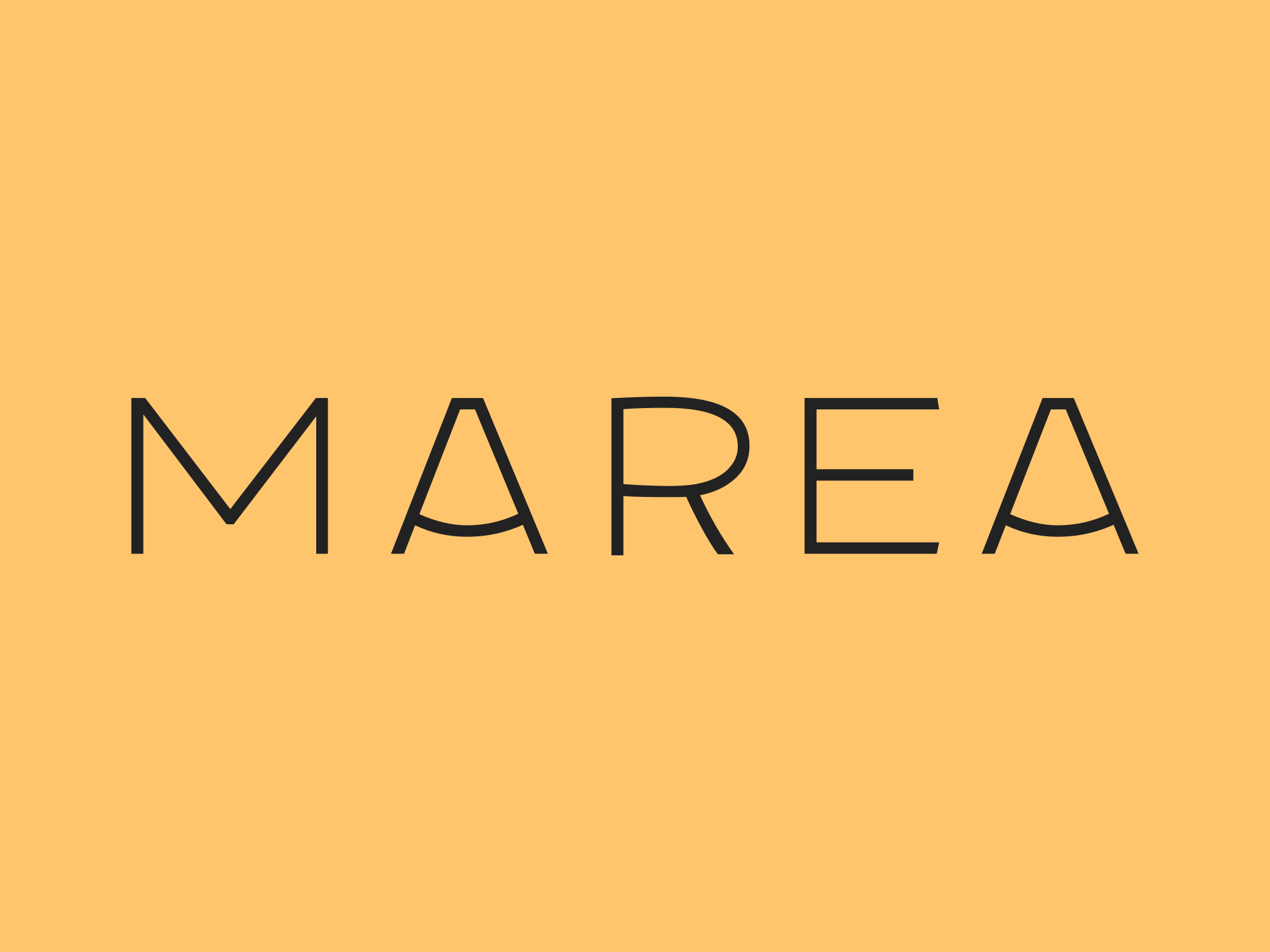
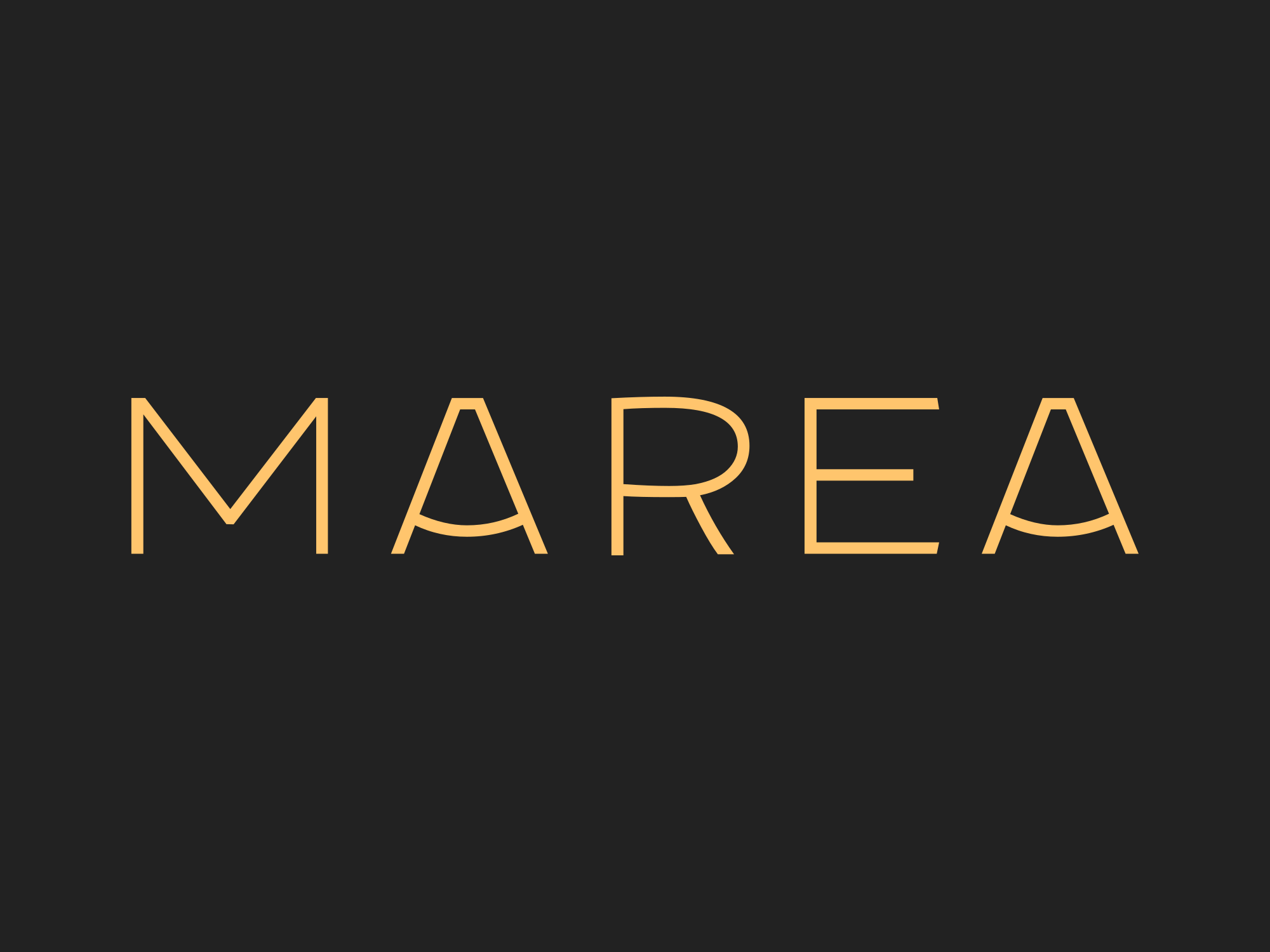
Nine files for one logo, and that’s before formats. Across Sinqlo, 537 uploaded logos produced 3,002 variations, about 5.6 per logo, and about 22 files per logo once SVG, PNG, PDF and WebP are exported. An agent has to pick from that list every time it places a logo.
So the logo section of AI brand guidelines is a list of files, each with the case it’s for. For Marea, a first draft from the files above reads:
## Logos
- Primary, stacked, black, transparent: light backgrounds
- Stacked, yellow on black: dark sections and covers
- Stacked, white, transparent: over photos
- Wordmark, black: narrow headers where the stacked logo is too tall
- Symbol, black: favicons and avatars
Each line gets a link to the file in the real kit. How to name those files so an agent picks the right one is its own topic; we covered it in how to make a brand kit that works with agents.
How to package a client’s brand so AI tools stay on-brand
This is the order we work in. Each step takes minutes if the brand kit is already done.
1. Give every color one job
Marea’s logo files use three colors: #222222 (near-black), #FFC56D (warm yellow) and #FFFFFF. From the files alone, the roles are easy to read: black for type and the logo, yellow as the brand color behind it, white for logos on photos. Write that down, one line per color. The client’s own rules, such as which color buttons use, go in when they sign off on them.
2. Name the fonts and a fallback
Logo SVGs usually have the type outlined, so the font name isn’t in the files. Take it from the client’s source files or ask. If the family isn’t installed where the agent works, a fallback stops it from picking at random. Never guess a font name into the guidelines.
3. Link the logo files
One line per variation, with a permanent link, as in the Marea list above. Name each file by layout and background, and use a link that always serves the current file.
4. Write rules as sentences with numbers
“Give the logo room” is a mood. “Clear space equals the height of the symbol” is a rule. An agent can check a number. It can’t check a mood, and neither can a freelancer.
5. Show the voice with example sentences
“Warm, confident, never salesy” gives an agent three adjectives to interpret. Three sentences the client actually published give it something to match.
6. Keep one current source
The ZIP file workflow breaks here. Someone drops last spring’s ZIP into a chat project, the logo changes in the fall, and the agent keeps using the old one because nobody told it. Packaging by hand also costs 30 to 45 minutes per client project, so nobody wants to redo it at every revision.
Our fix is one source per client: a Brand Link to the kit, with everything on this list generated from it and updated when the kit changes.
Which format to hand an agent
The same guidelines can travel in different containers. Pick by who reads them.
| Format | Where it works | Use it for |
|---|---|---|
| DESIGN.md | Project root or pasted into a chat; Claude, ChatGPT, Cursor and other agents | One file per client that any agent can read |
| Claude skill (SKILL.md) | Claude Code and the Claude apps | A brand you apply to documents and slides again and again |
| Sinqlo MCP | Claude, Cursor and other MCP clients | Live logo links and colors, read-only |
| Brand Link | Any browser | The client’s team, printers and developers |
| Guidelines PDF | People | The reasoning behind the brand, for designers |
Sinqlo covers the first, third and fourth from one brand kit. It writes a DESIGN.md for every kit with the colors and their roles, typography, every logo variation with a link, and the brand rules you typed into the kit, so you don’t write steps 1 to 4 by hand. For private kits, the file lists logos by name only, without download links. The walkthrough of what Sinqlo’s DESIGN.md contains shows a full example, and if you’d rather write one yourself, start with how to create a DESIGN.md file. You can also open a live brand kit to see what a client receives.
AI brand guidelines template
Copy this into a Markdown file per client, fill the brackets, and delete what doesn’t apply. It works as a DESIGN.md, a skill body or a pinned chat instruction.
# [Brand] brand guidelines for AI

Use these rules for any layout, document or post for [Brand].
If something isn't covered here, ask instead of guessing.

## Colors
- [Name] [#HEX]: [its job, e.g. text and logo]
- [Name] [#HEX]: [its job, e.g. brand background, max one block per layout]
- [Name] [#HEX]: [its job]

## Typography
- Headings: [family], [weight], fallback [font]
- Body: [family], [weight], [size], fallback [font]

## Logos
Use only these files. Never redraw, recolor or stretch the logo.
- [Variation name]: [when to use it] [link]
- [Variation name]: [when to use it] [link]

## Rules
- Clear space: [measurable rule]
- Minimum size: [width in px on screen, mm in print]
- Never: [sentence]
- Never: [sentence]

## Voice
[One line on tone.] Example sentences from the client:
- "[real sentence]"
- "[real sentence]"
The two lines at the top do most of the work. “Use only these files” stops redrawn logos, and “ask instead of guessing” stops invented colors.
FAQ
What should brand guidelines for AI include?
Colors with a value and a job each, font families with weights and a fallback, links to the real logo files named by layout and background, rules written as sentences with numbers, and a few example sentences for voice. Leave the brand story and construction grids in the PDF.
Can I upload our brand guidelines PDF to ChatGPT or Claude instead?
You can, and the agent will use whatever text it pulls out. Anything that lives only in an image, such as a clear space diagram, a do and don’t spread or the logo itself, is easy for it to miss or misread. Typed rules and linked files are safer.
What is the difference between brand guidelines for AI and a brand kit?
The brand kit holds the assets: logo files, colors and fonts. Guidelines for AI are the instructions that tell an agent which asset to use where. An agent needs both, and they work best when they come from the same source.
Should every client get their own AI brand guidelines?
Yes. One file or link per client keeps one brand’s colors out of another brand’s work. Keep it next to the client’s kit so it changes when the kit changes.
Give clients a brand their agents can follow
Each client gets one Brand Link with every logo variation in every format, the colors and fonts, and a DESIGN.md built from the same kit. When the logo changes, all of it changes. See what a client receives or start free with up to 3 brand kits.